

























Toha
Toha generates projects and files from templates. A template asks questions, then renders file paths and contents with Jinja. You can preview the plan before Toha writes anything.
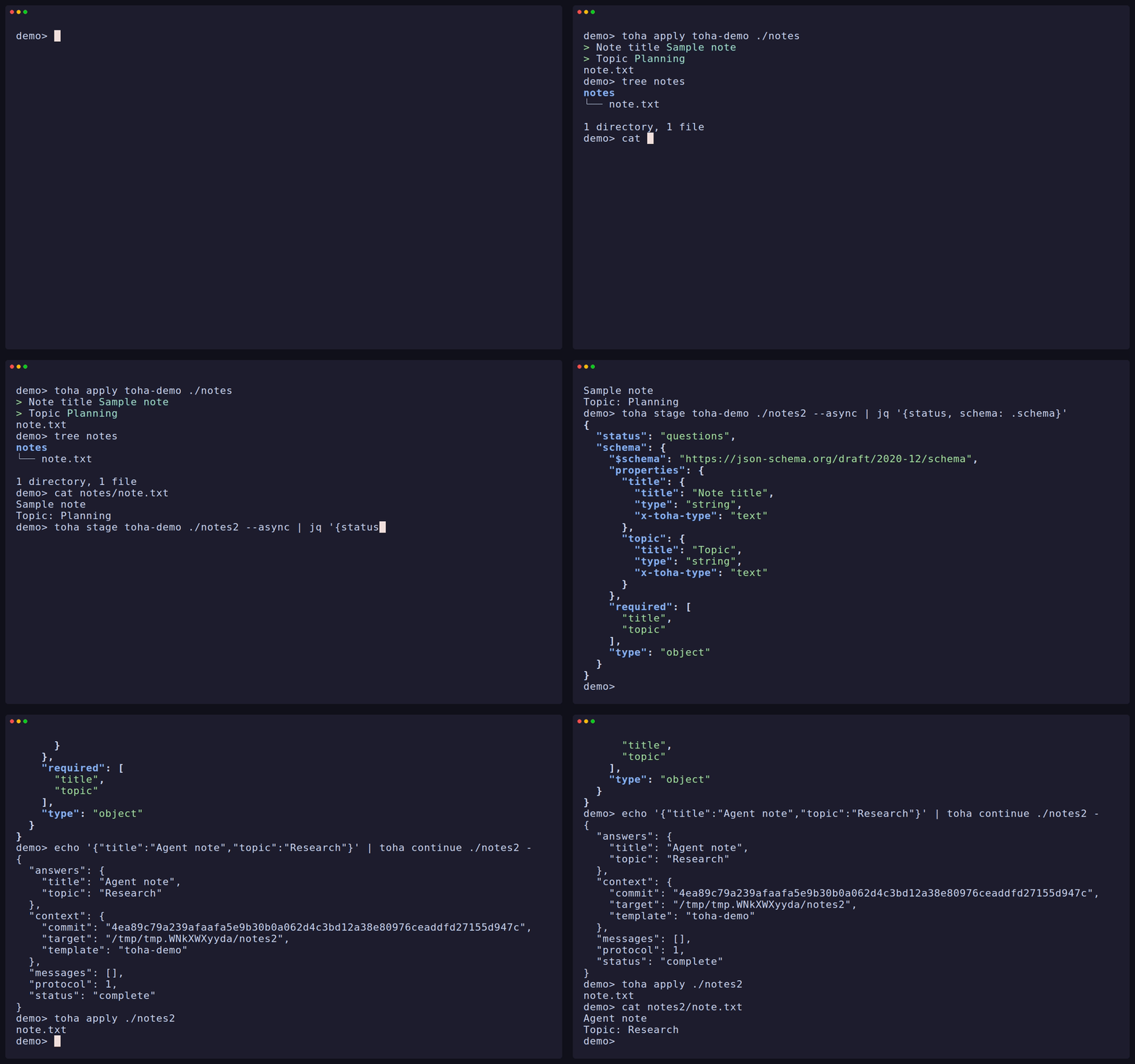
- Run the same interview from a terminal, a script, an agent, or the Rust crate.
- Resume an interview later, or supply answers from a JSON file.
- Render paths and files with typed Jinja values, conditions, and loops.
- Copy static files and generate one file for each item in a list.
- Run template hooks only when you trust the template.
- Use local folders or Git repositories, with short names and aliases for installed templates.
- Read the built-in agent guidance with
toha skills listandtoha skills view.
Choose an installation method, then try the demo below.
Try a template
Toha ships a small demo template inside the binary. From any directory where you want to create a note — offline, with nothing installed — preview what it will make:
toha apply toha-demo ./notes --dry-runToha asks for Note title and Topic, then shows the planned file. When you are ready to write it, run:
toha apply toha-demo ./notesThe dry run did not save answers, so answer the questions again. Toha writes
notes/note.txt. It leaves existing files unchanged unless you pass
--force. If a template has hooks, Toha shows them and requires trust before
running them. Use --trust for a template you know and trust for one run.
toha-demo is a reserved fallback name: if you install or alias a template as
toha-demo, that template resolves instead.
Ask an agent to use a template
You can give an agent a short request and let it read the installed CLI help:
Use Toha to generate files from the template I give you in the directory I choose. Start with
toha --help, ask me for the template and target if I have not supplied them, and show me the planned changes before applying them.
Toha also carries agent guidance. Run toha skills list to find it and
toha skills view <name> to read a skill. To make your own template, read
Authoring templates.