

wyrwood
OpenBao-backed secrets and signing for containers, with nothing stored inside.
A controller that owns policy and an agent on each Docker host that gives every bound container a directory of sockets: an OpenBao endpoint carrying the container's own token and an SSH agent whose keys live in OpenBao.
Install with APT (Linux)
Set up the repo.wyrd.foo APT repository (once)
sudo install -d -m 0755 /etc/apt/keyrings
curl -fsSL https://repo.wyrd.foo/pubkey.gpg |
  sudo tee /etc/apt/keyrings/wyrd-company.gpg >/dev/null
echo "deb [signed-by=/etc/apt/keyrings/wyrd-company.gpg] \
https://repo.wyrd.foo/apt stable main" |
  sudo tee /etc/apt/sources.list.d/wyrd-company.list >/dev/null
sudo apt update
sudo apt install wyrwood
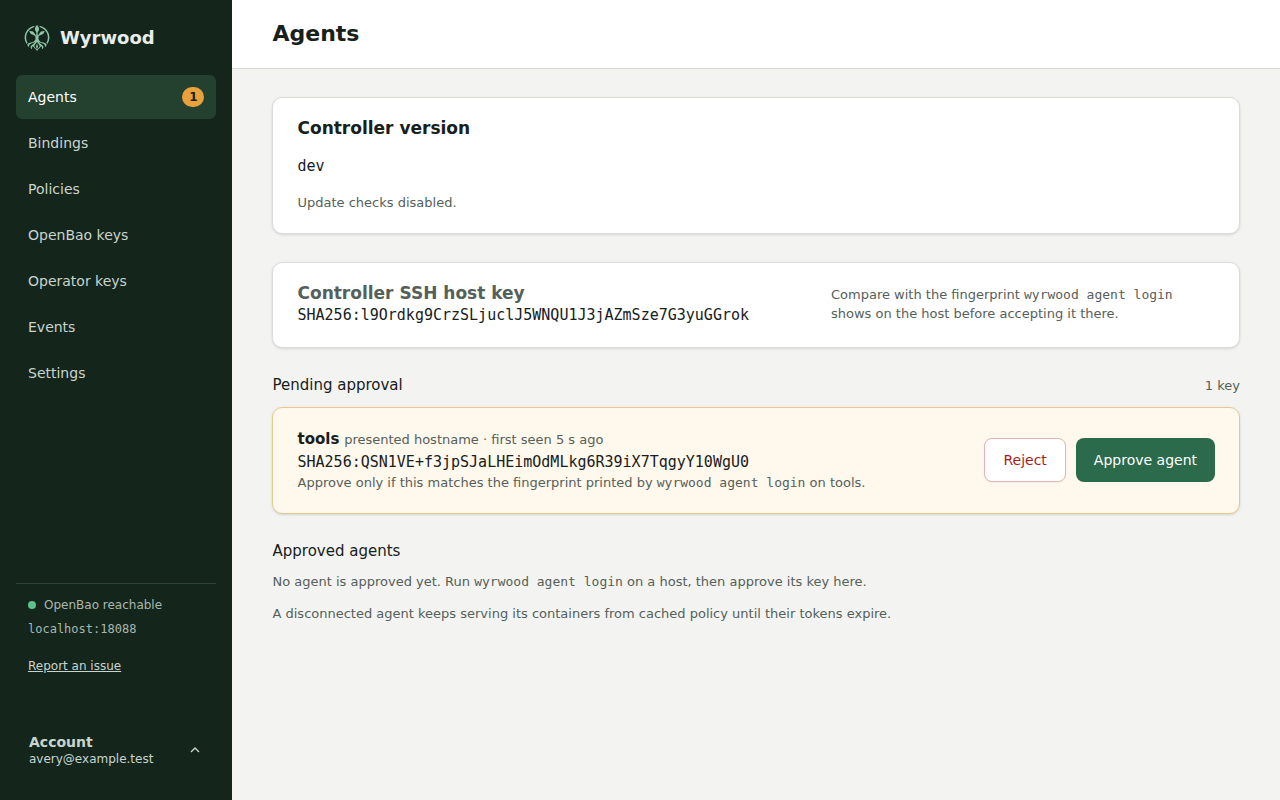
Console tour
-
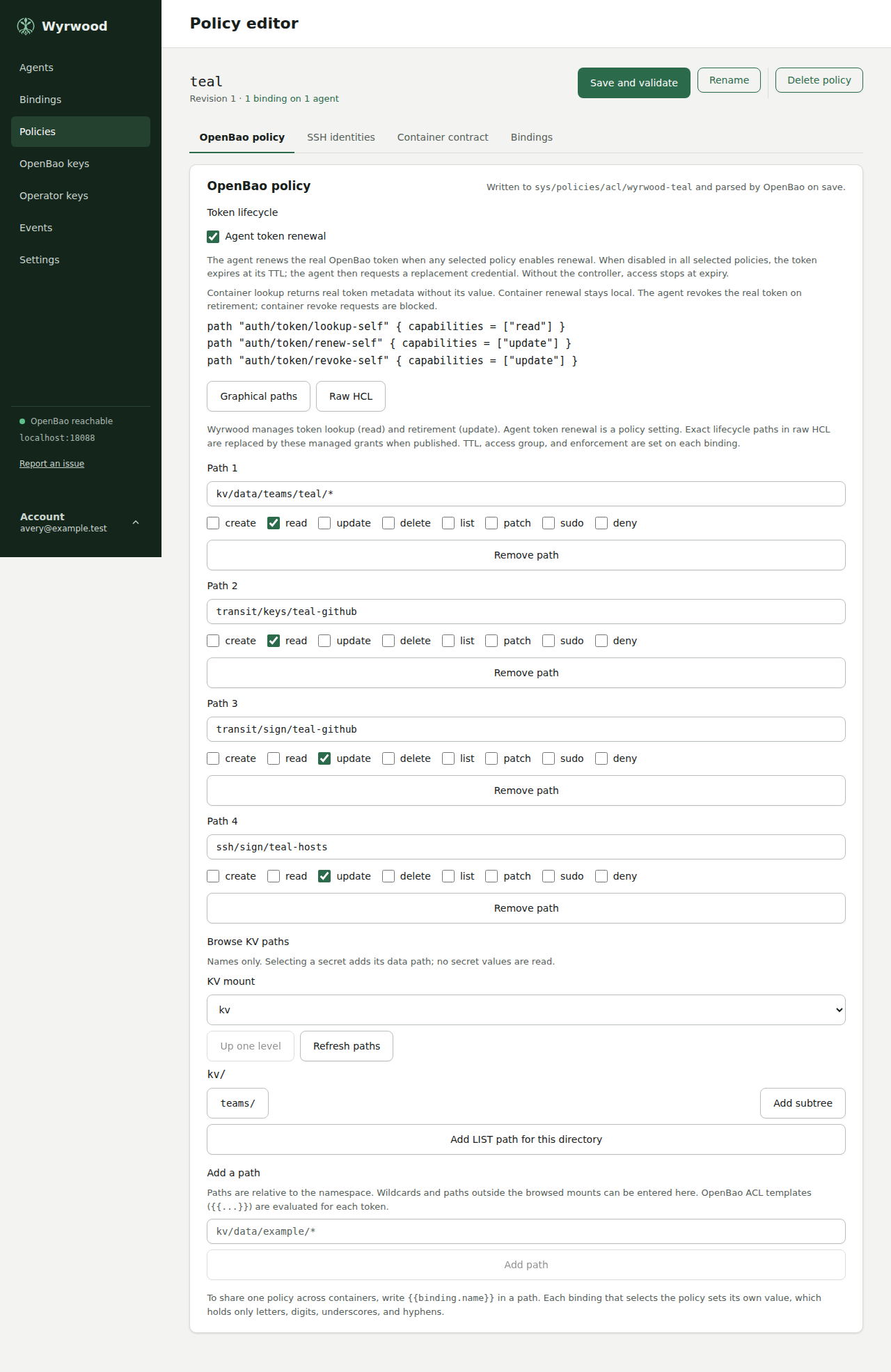
02 Policy editor with a saved policy, on its OpenBao policy tab. -
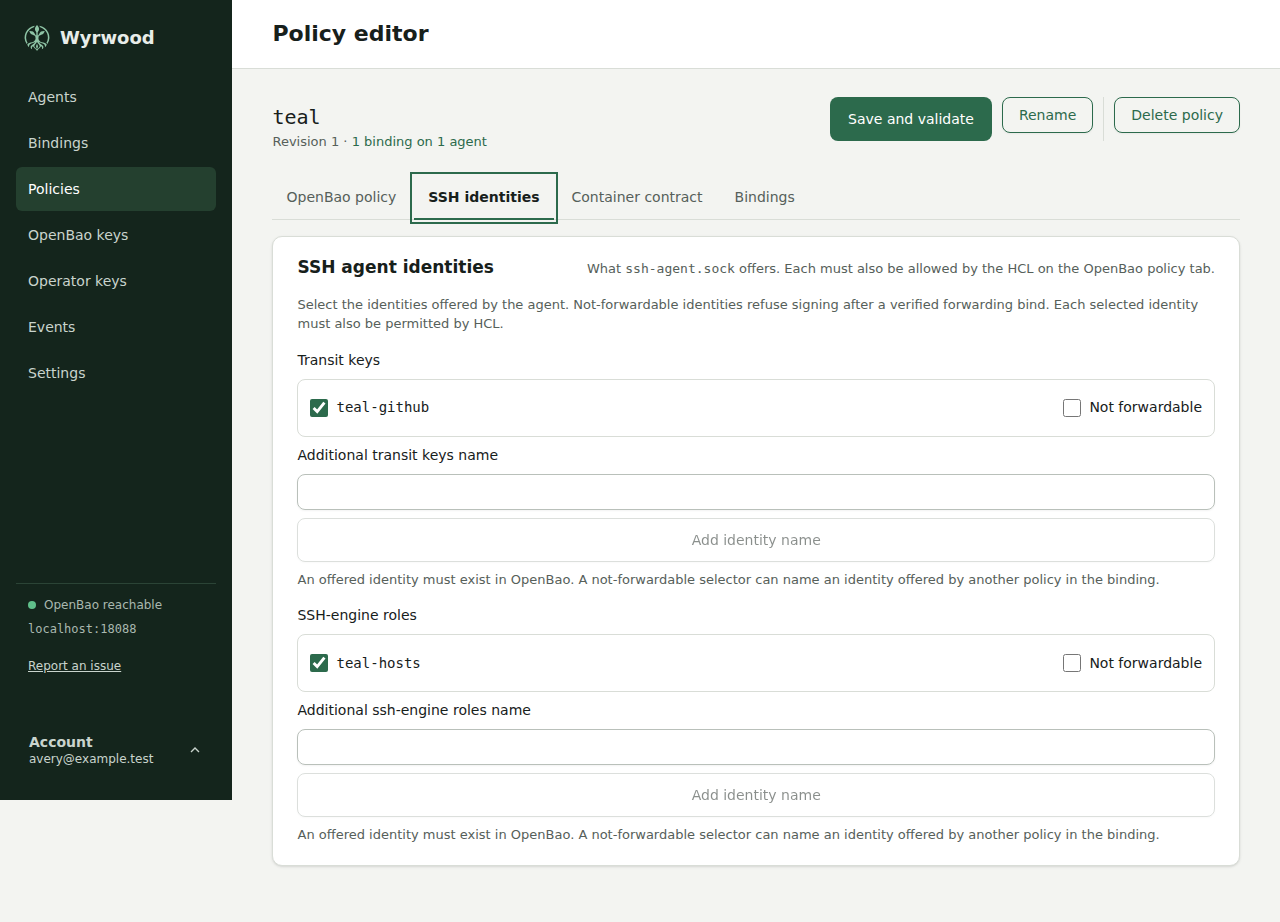
03 The SSH identities tab of the policy editor. -
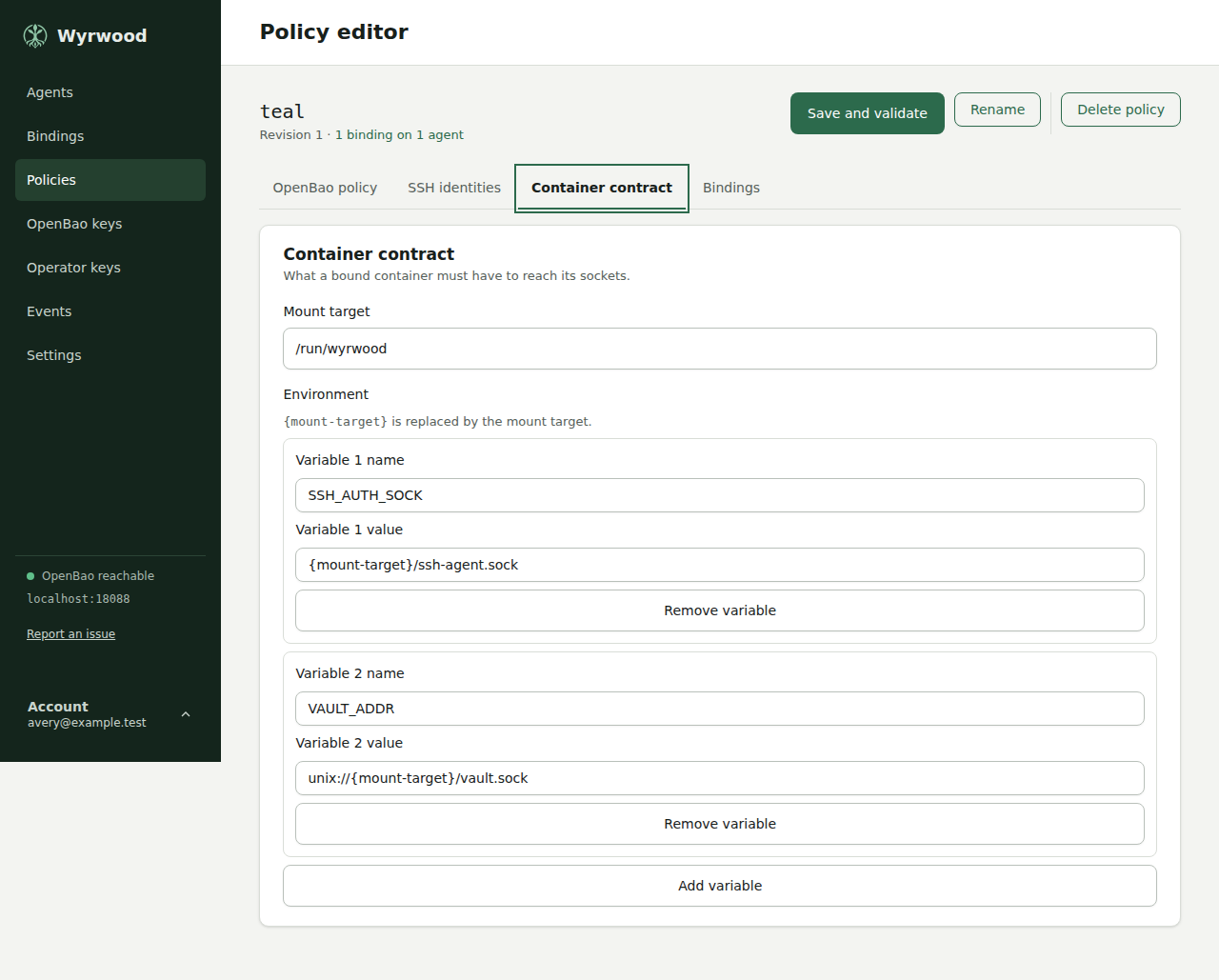
04 The Container contract tab of the policy editor. -
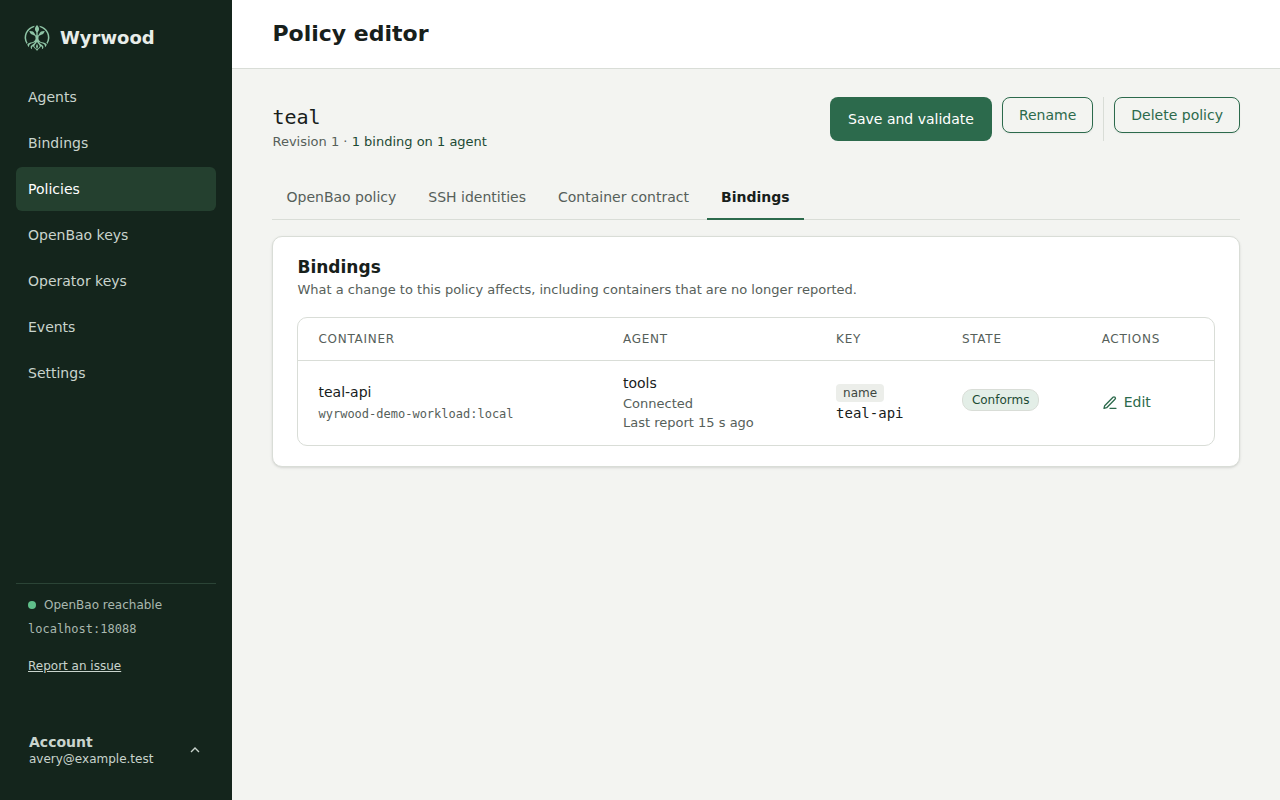
05 The Bindings tab of a saved policy. -
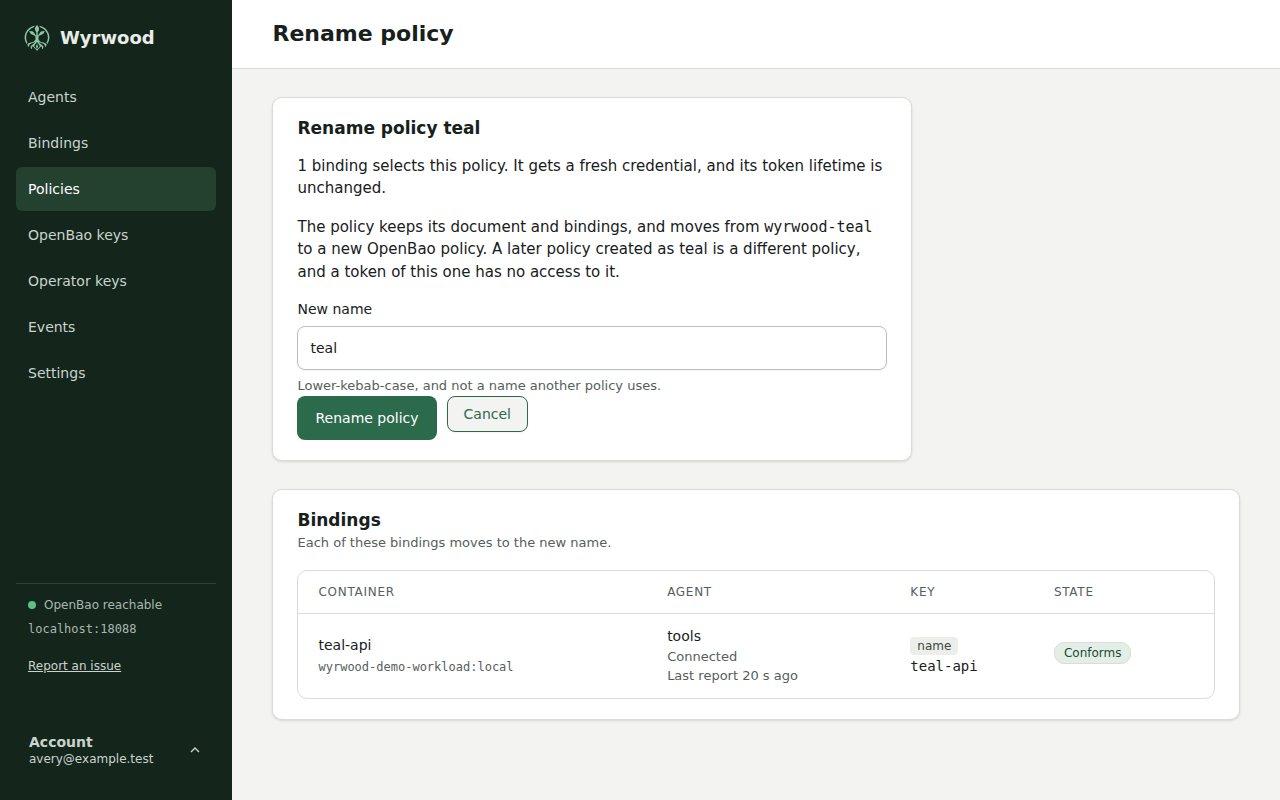
06 Rename screen for a policy that one binding selects. -
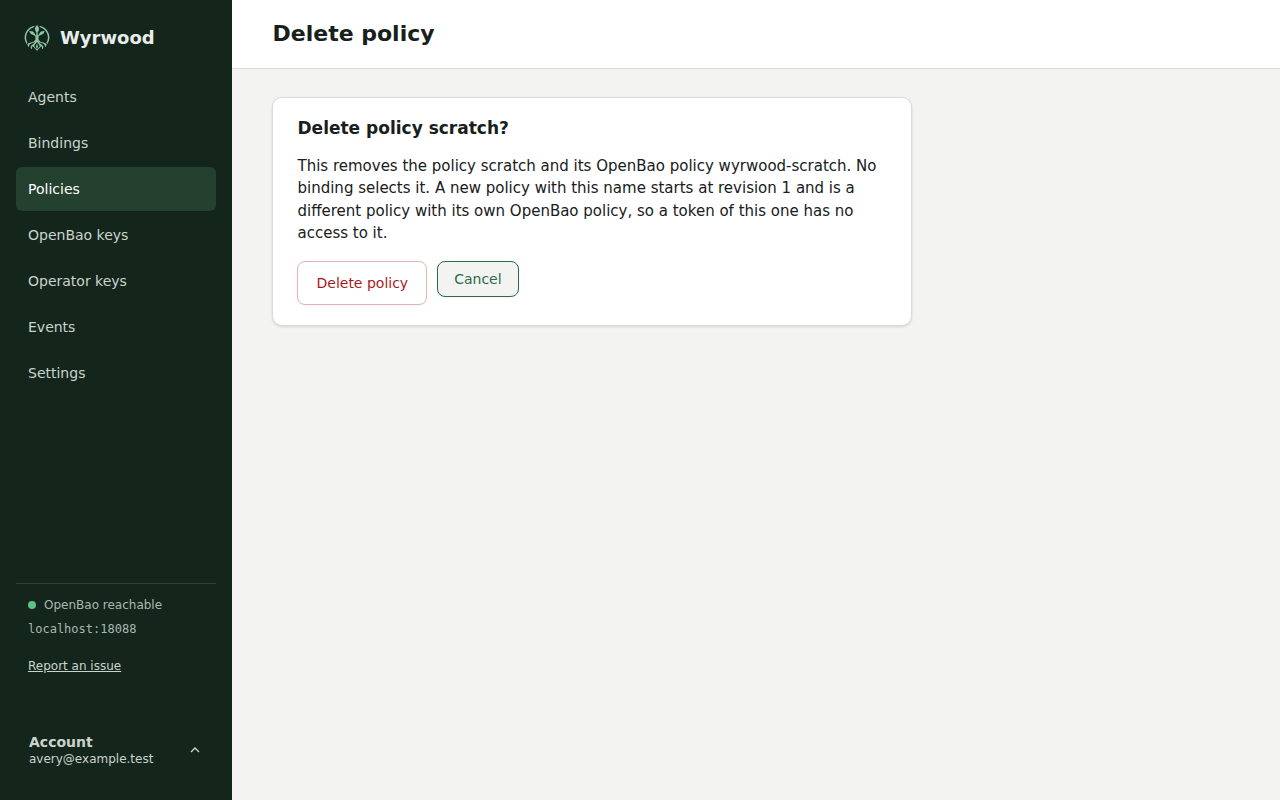
07 Confirm screen for deleting a policy that no binding selects. -
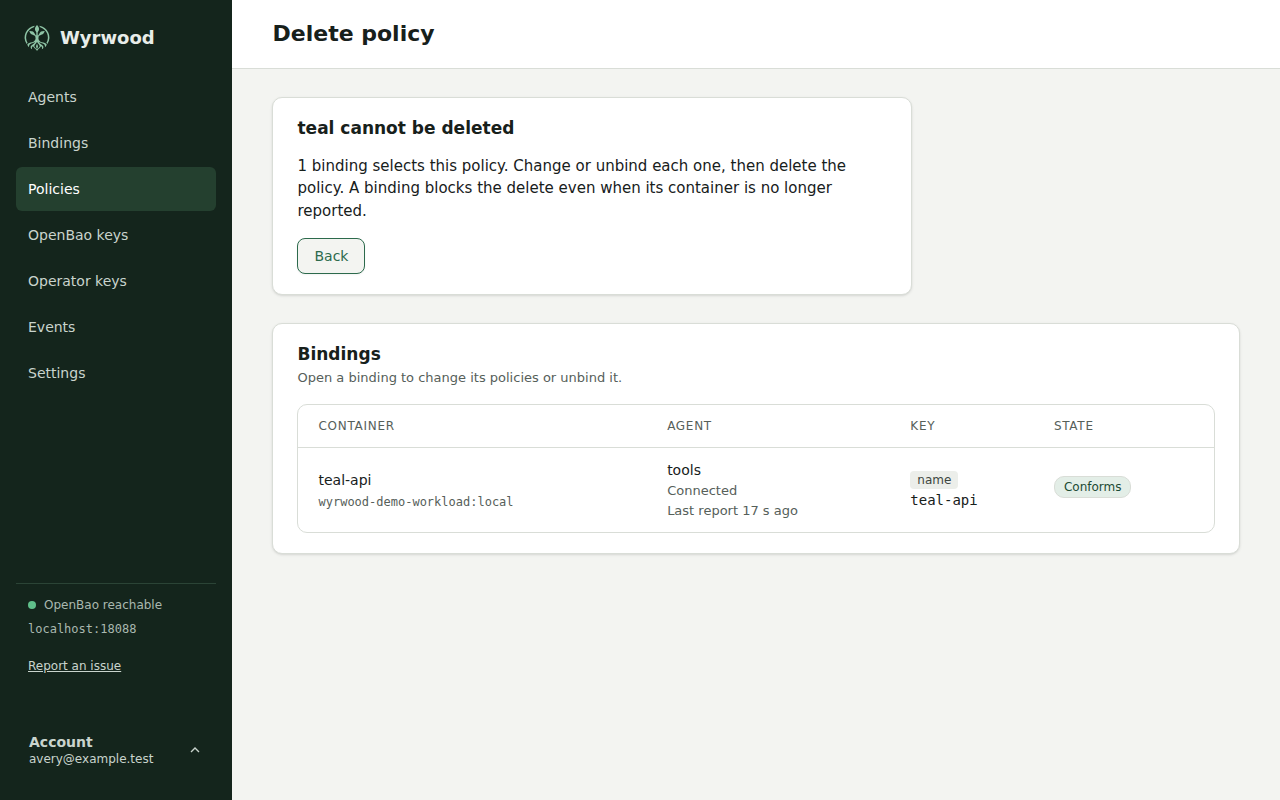
08 A policy that cannot be deleted, with the binding that blocks it. -
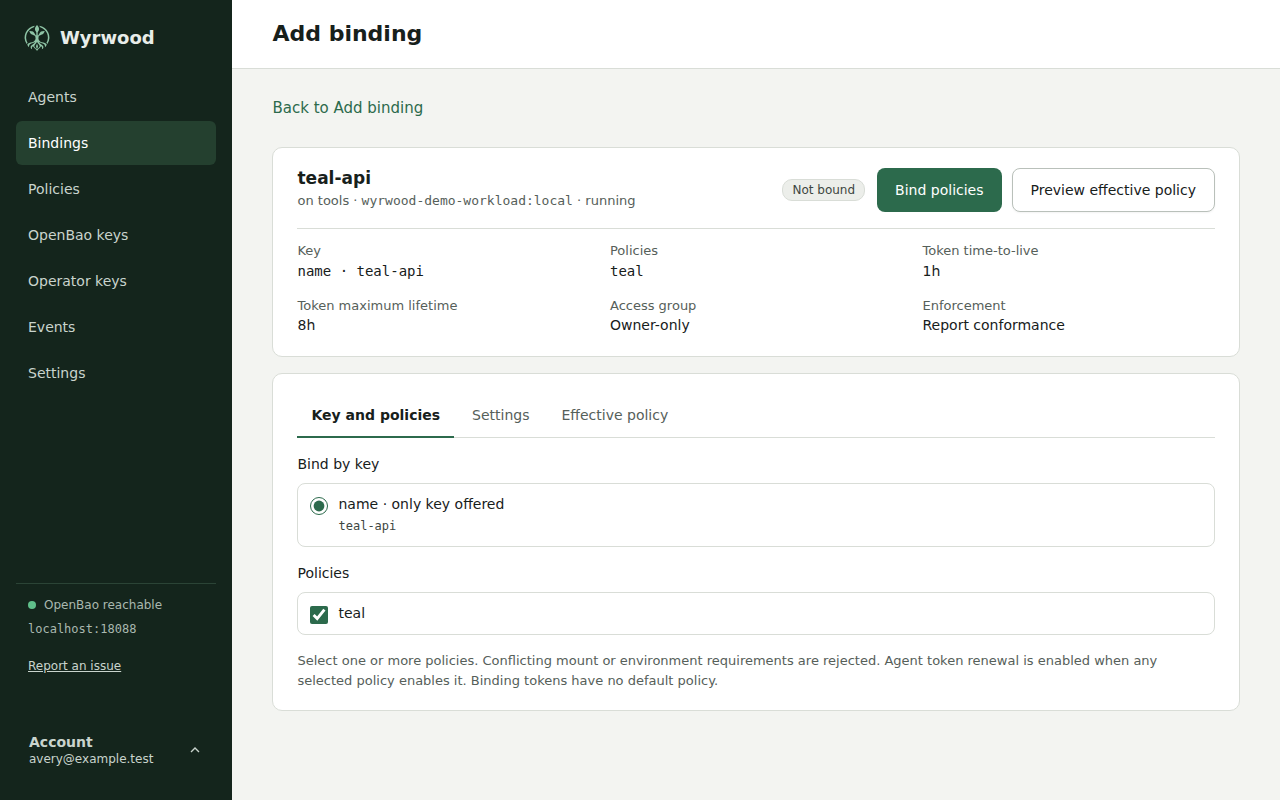
09 Binding policies to a container. -
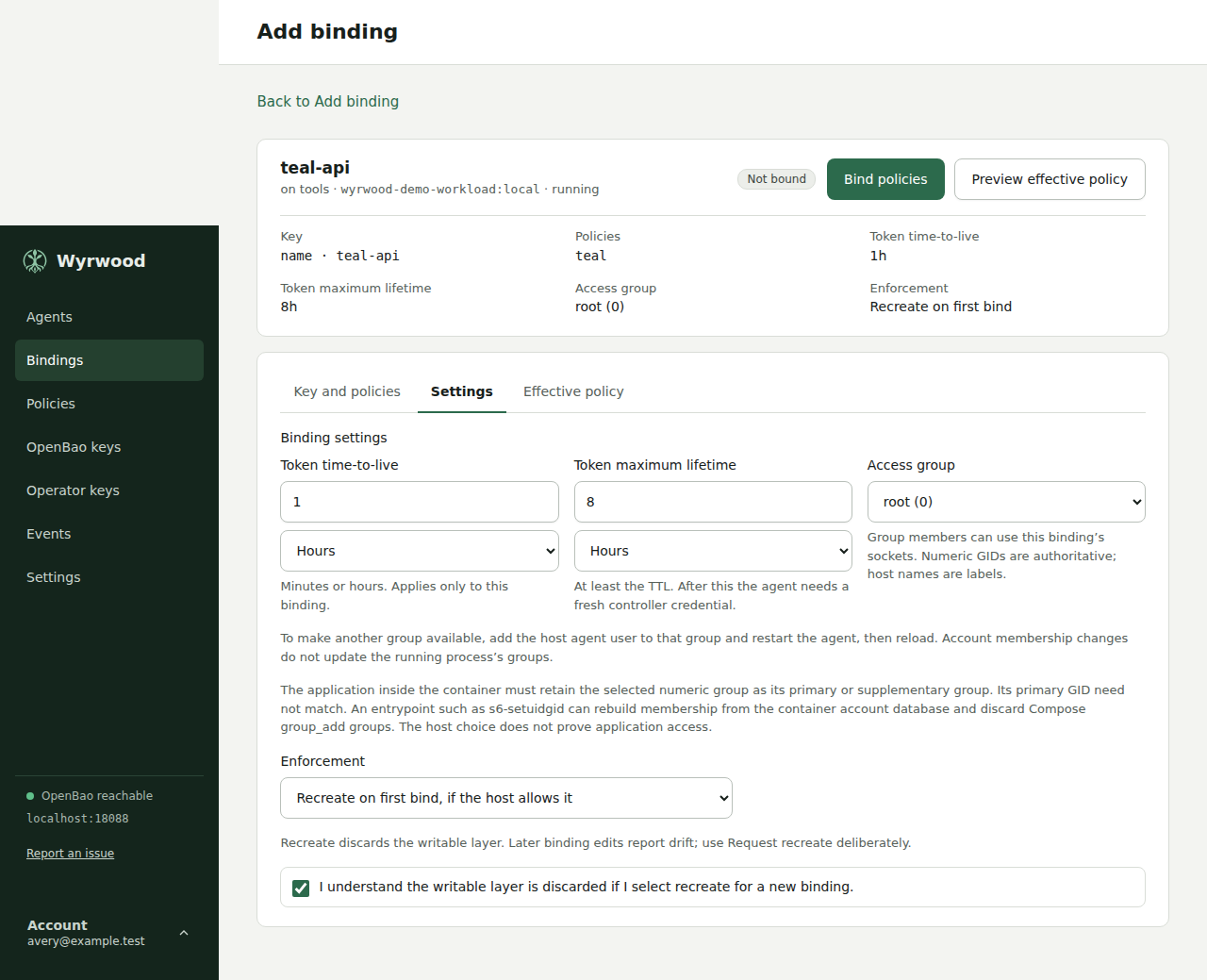
10 The Settings tab of the bind screen. -
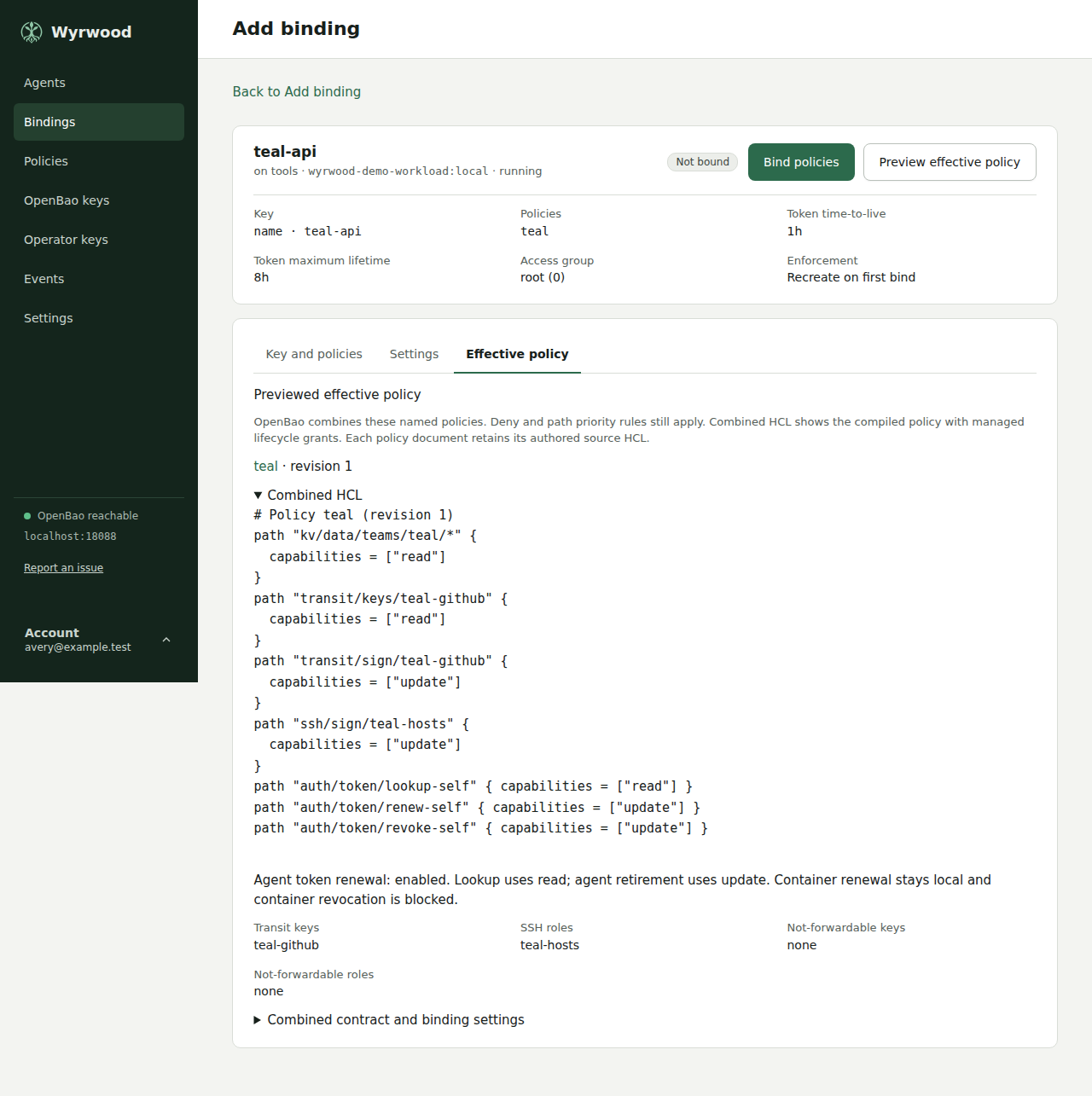
11 A preview on the Effective policy tab of the bind screen. -
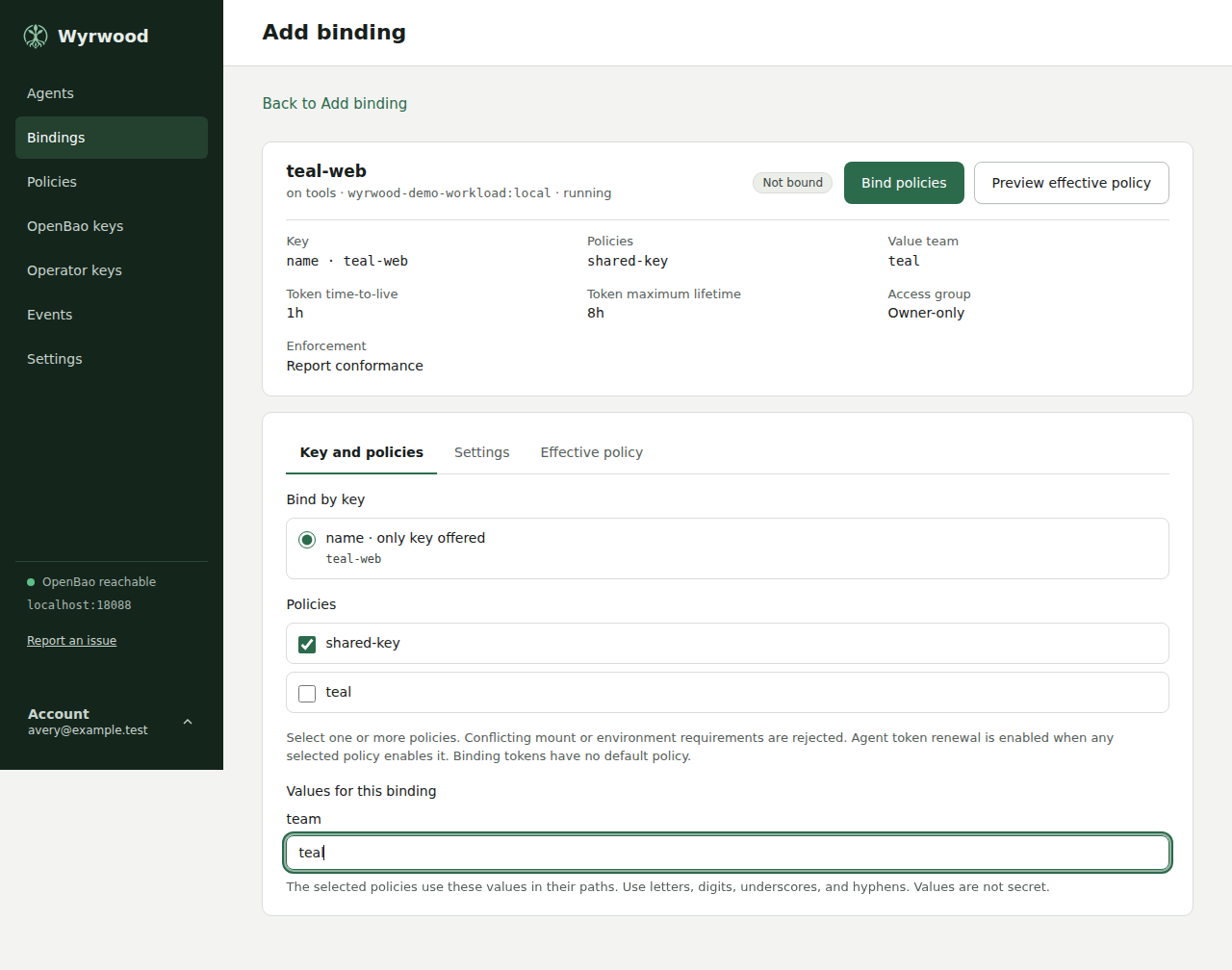
12 A required value for each placeholder of the selected policies. -
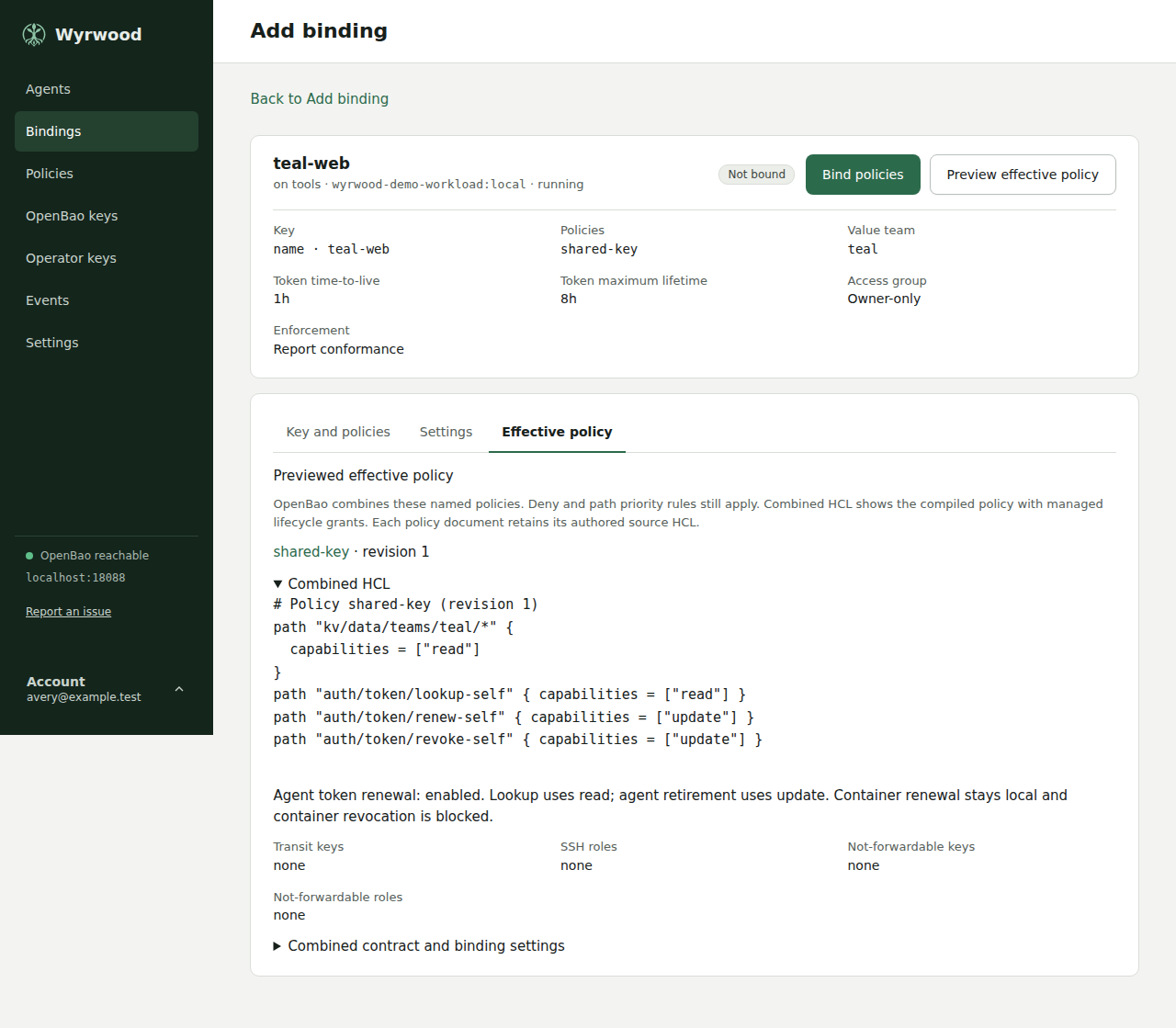
13 The preview shows the path with the value of this binding. -
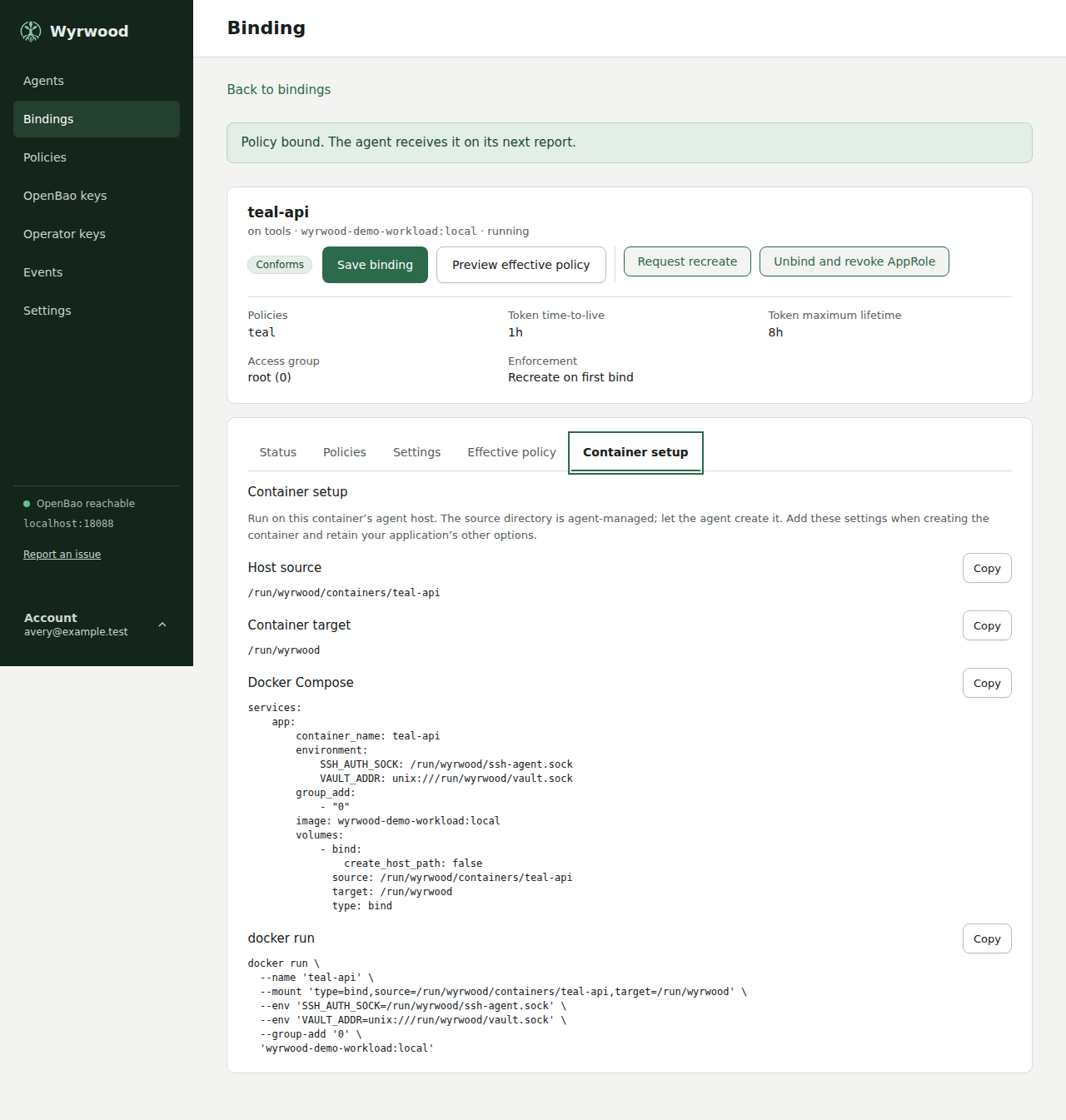
14 Container setup examples on the binding screen. -
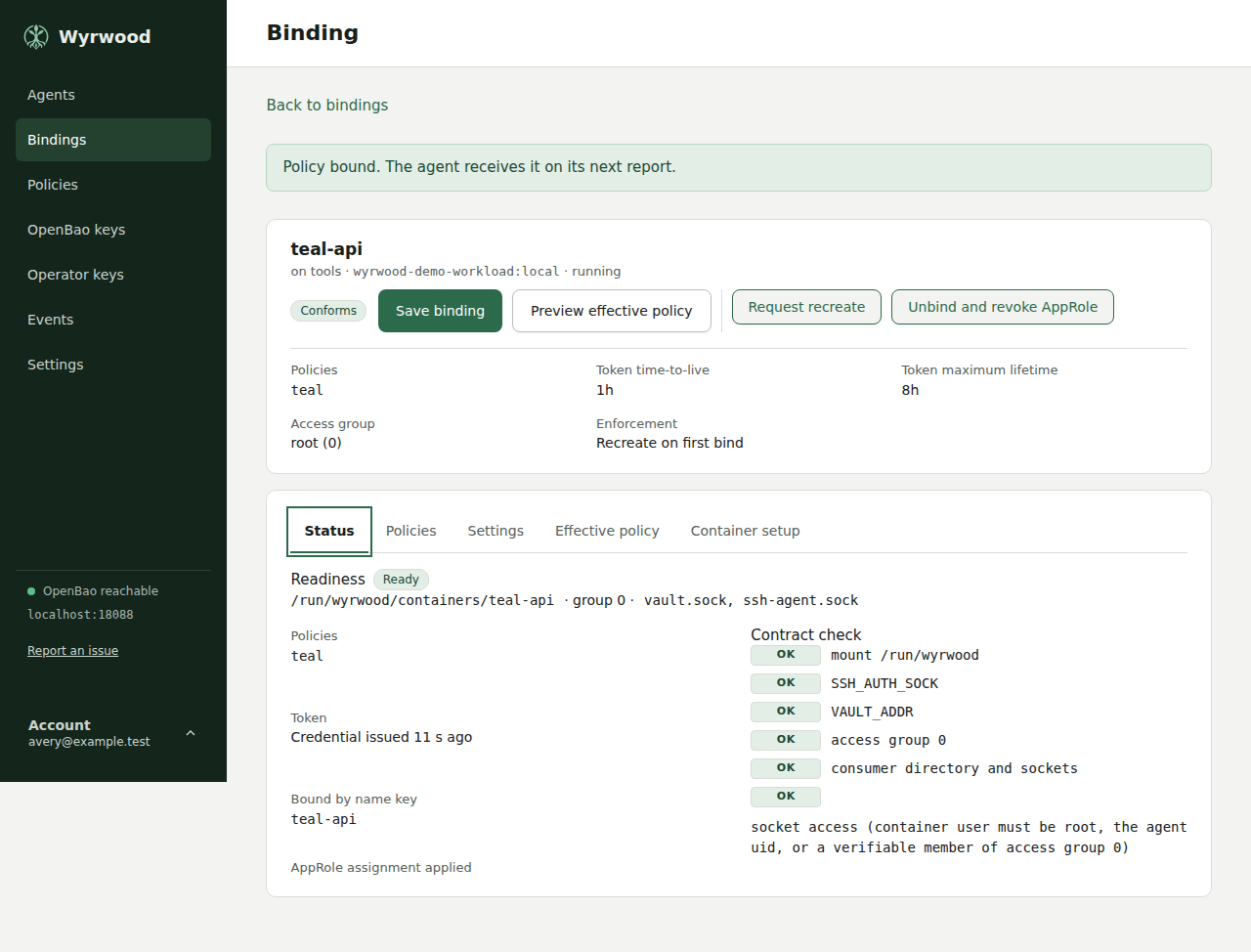
15 A bound container that conforms to its contract. -
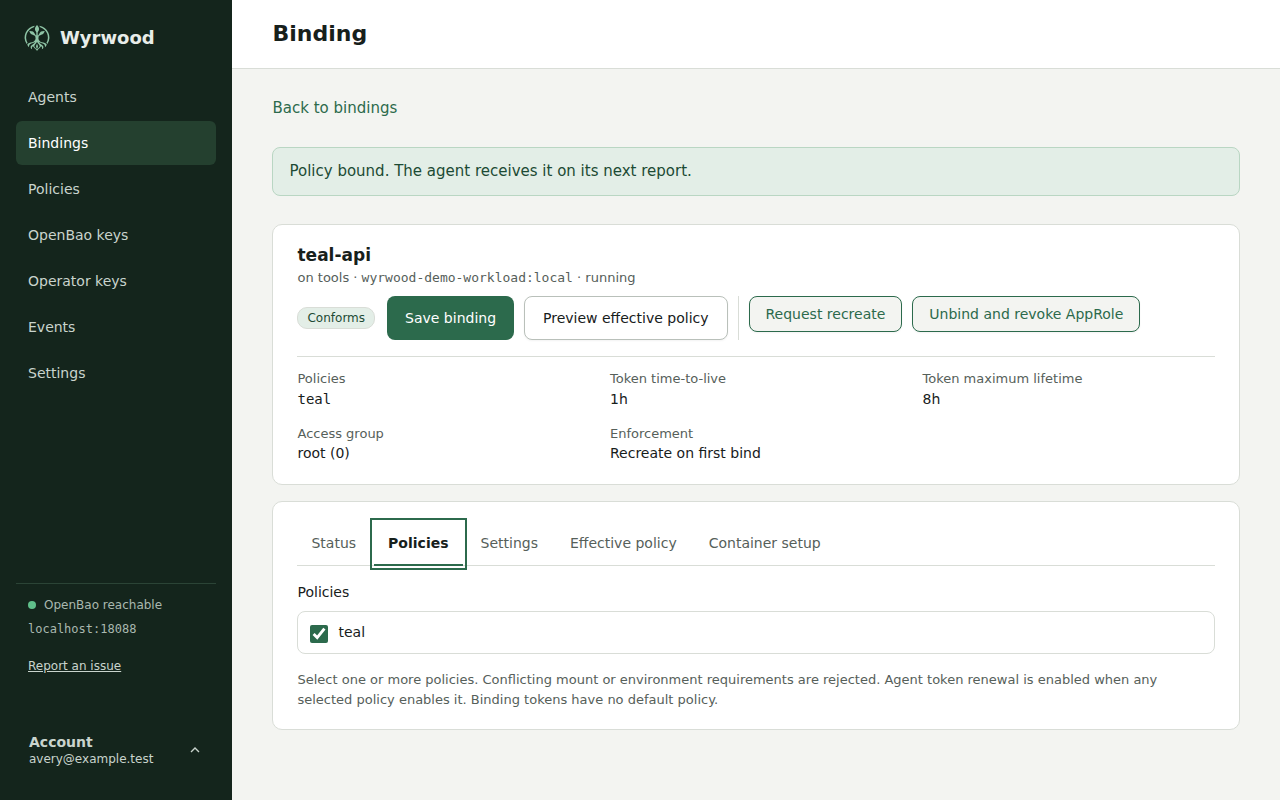
16 The Policies tab of a binding. -
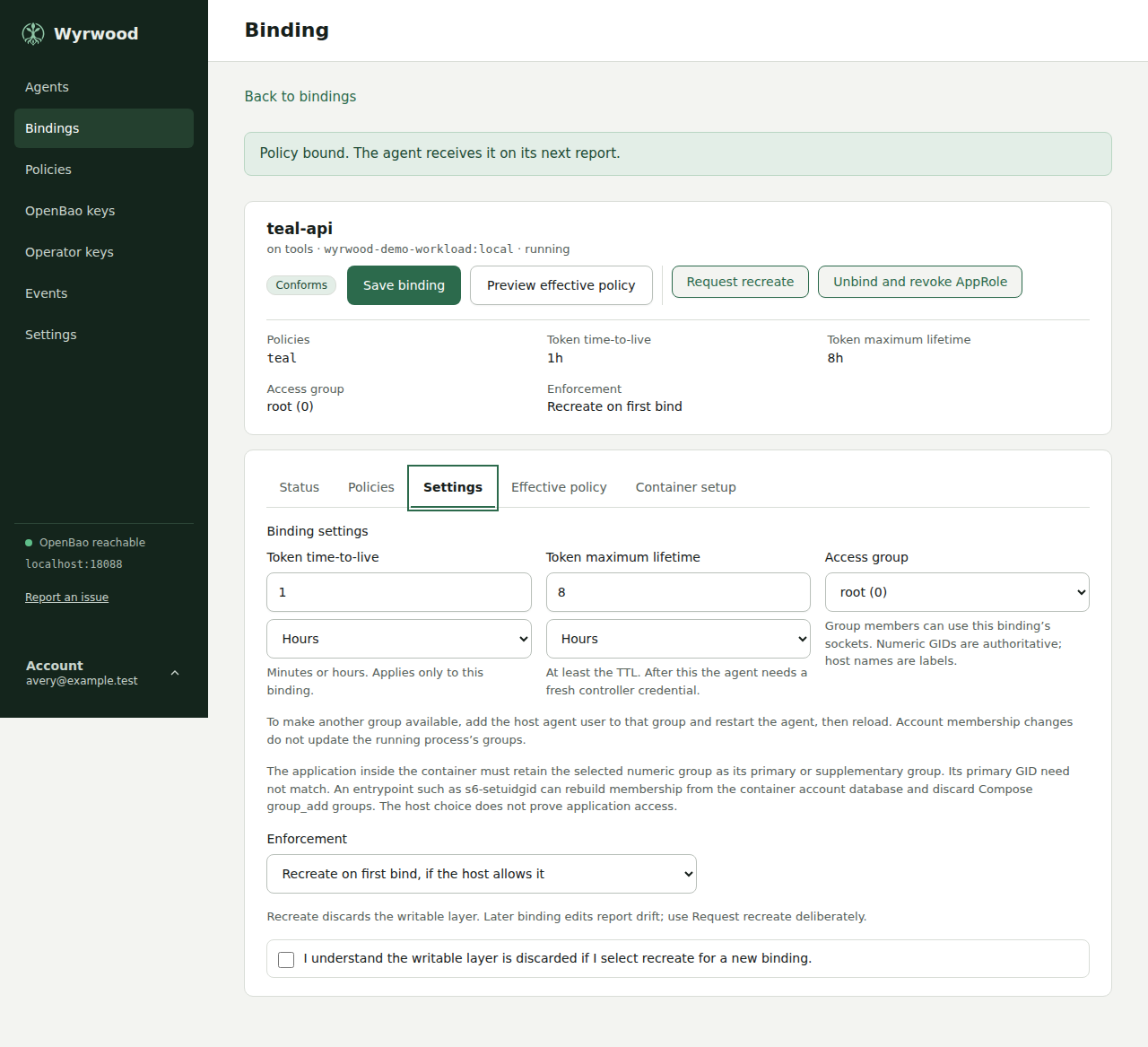
17 The Settings tab of a binding. -
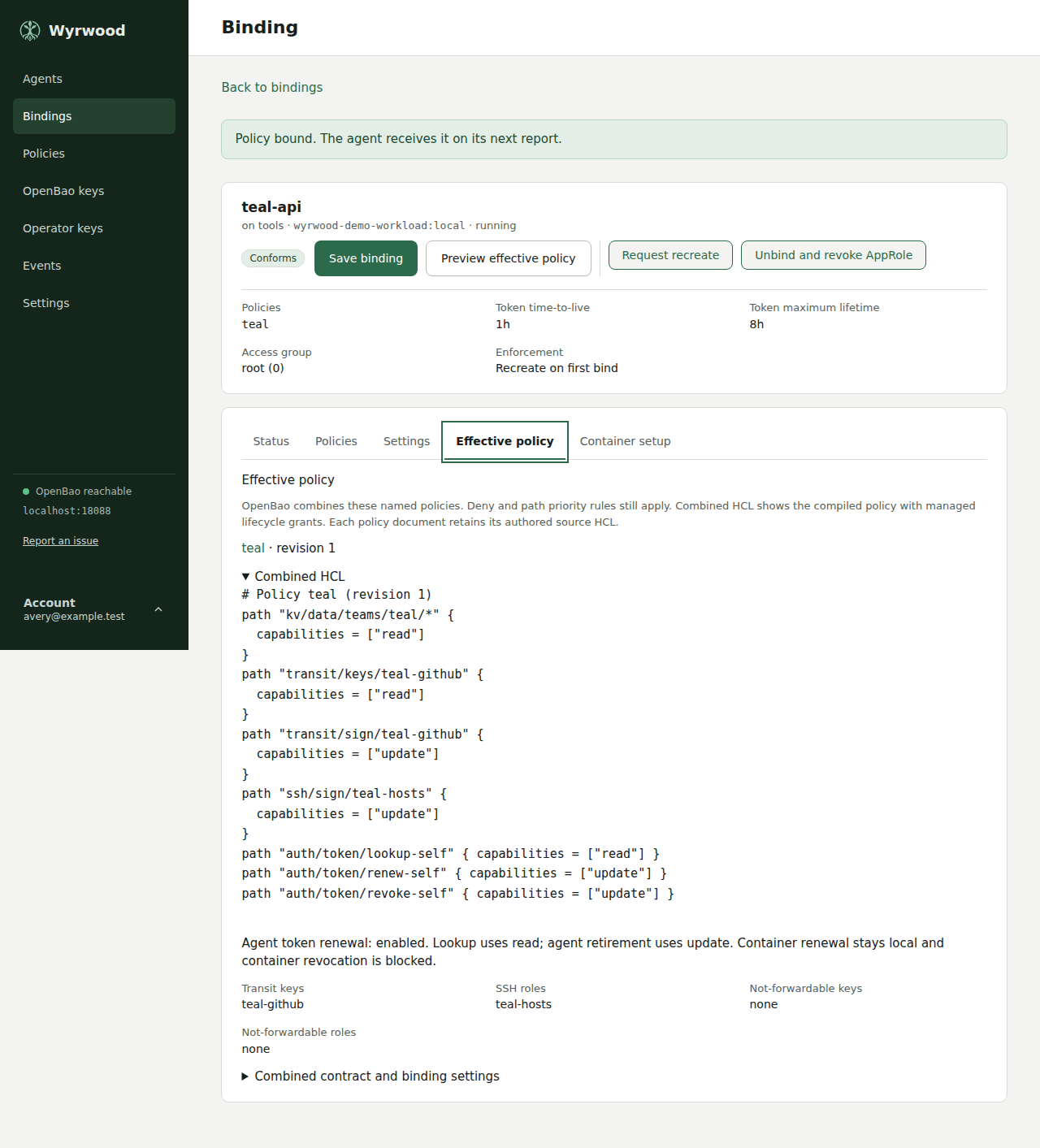
18 The Effective policy tab of a binding. -
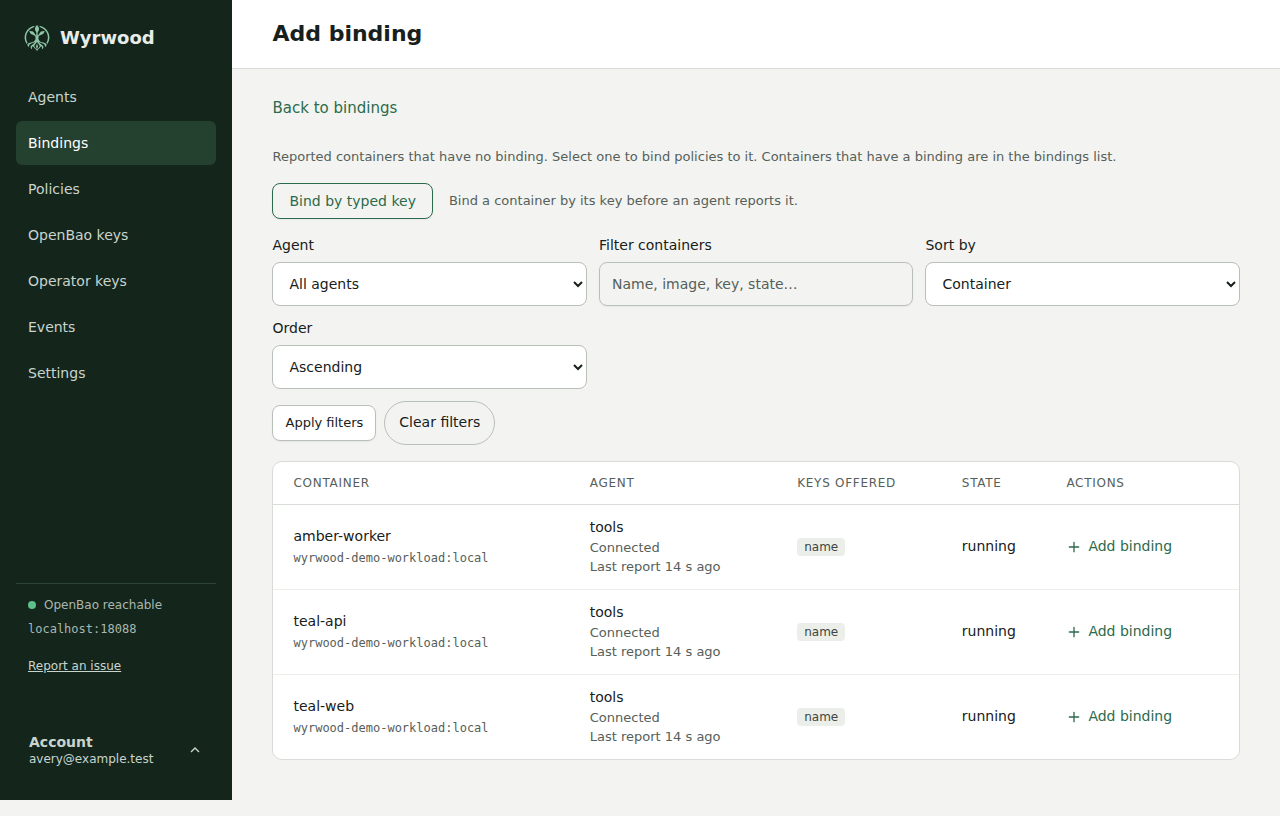
19 Reported containers that have no binding. -
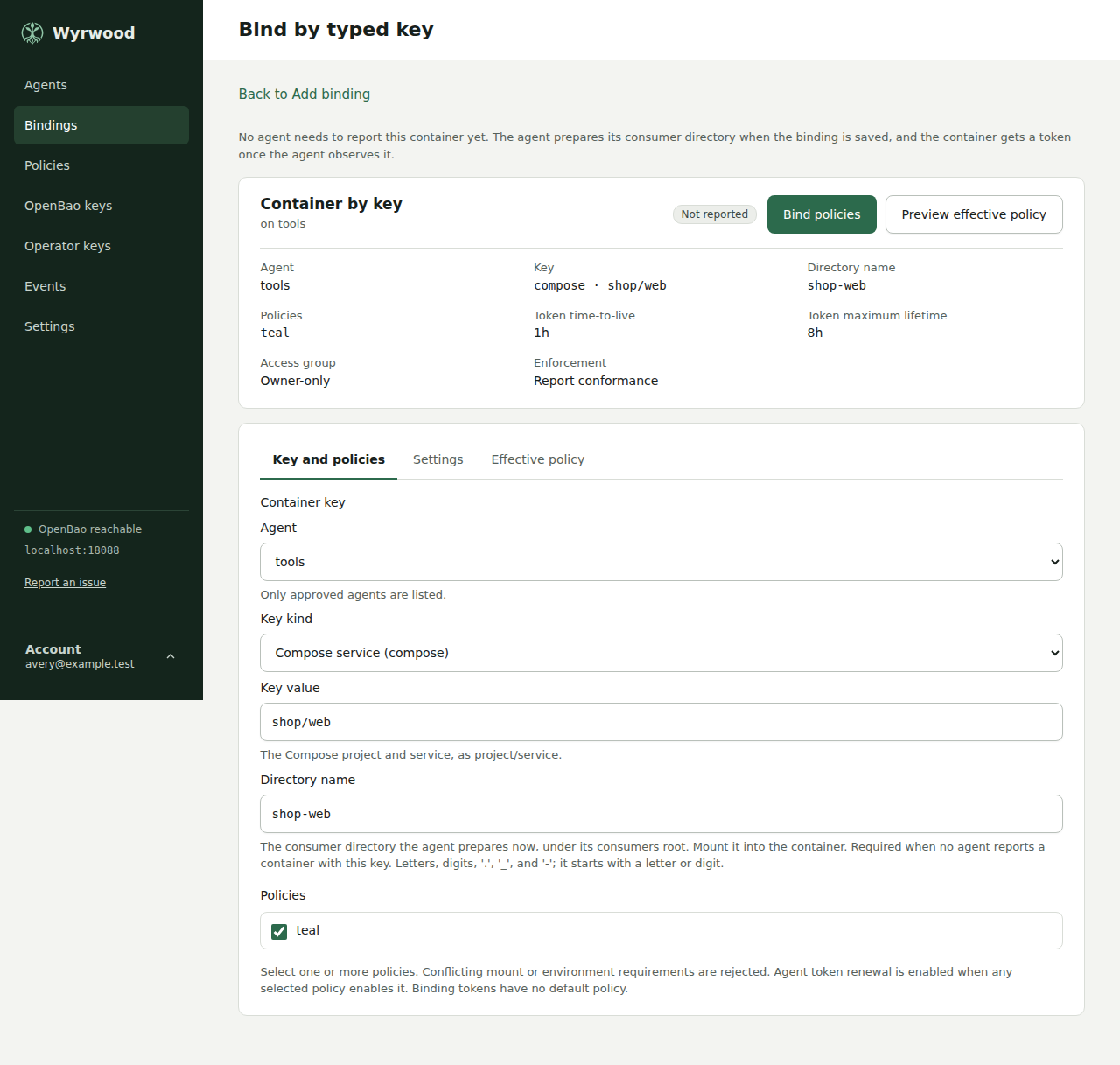
20 Binding a container by typed key before it exists. -
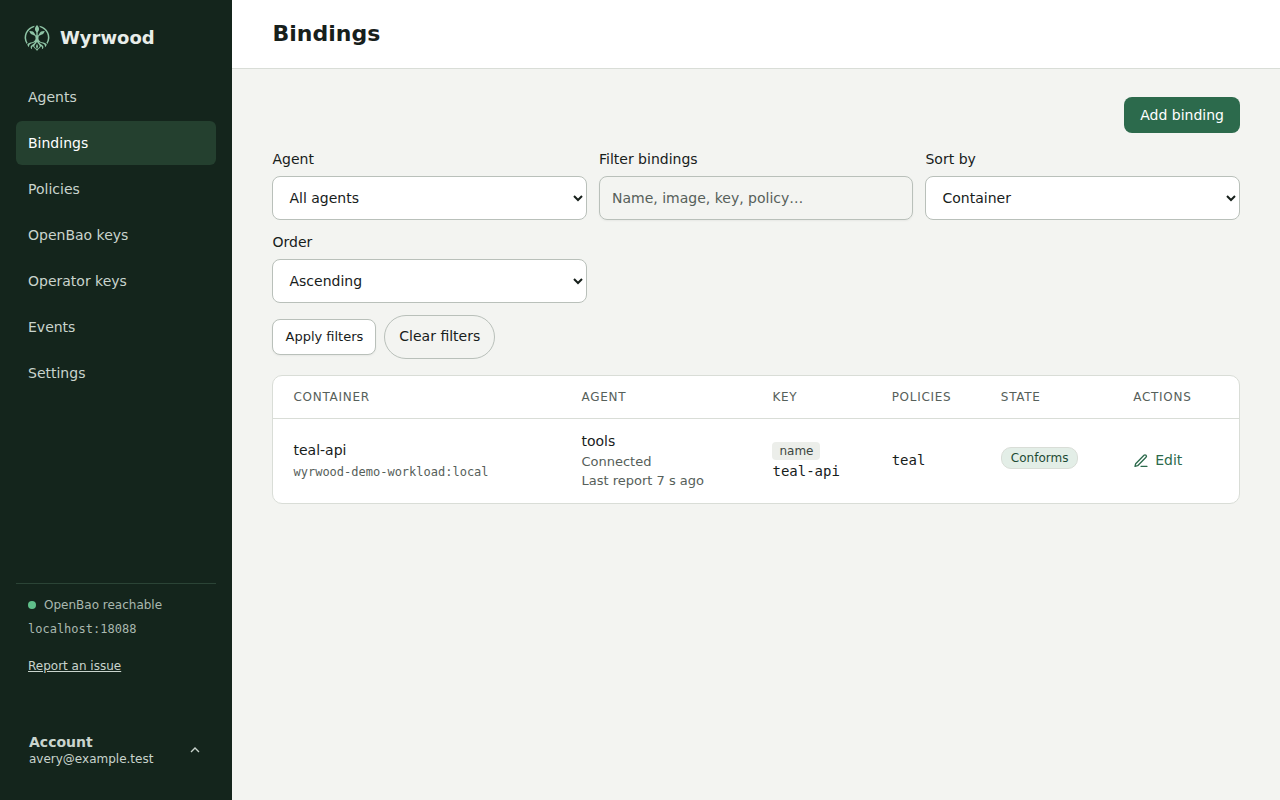
21 The bindings list with a binding and its container. -
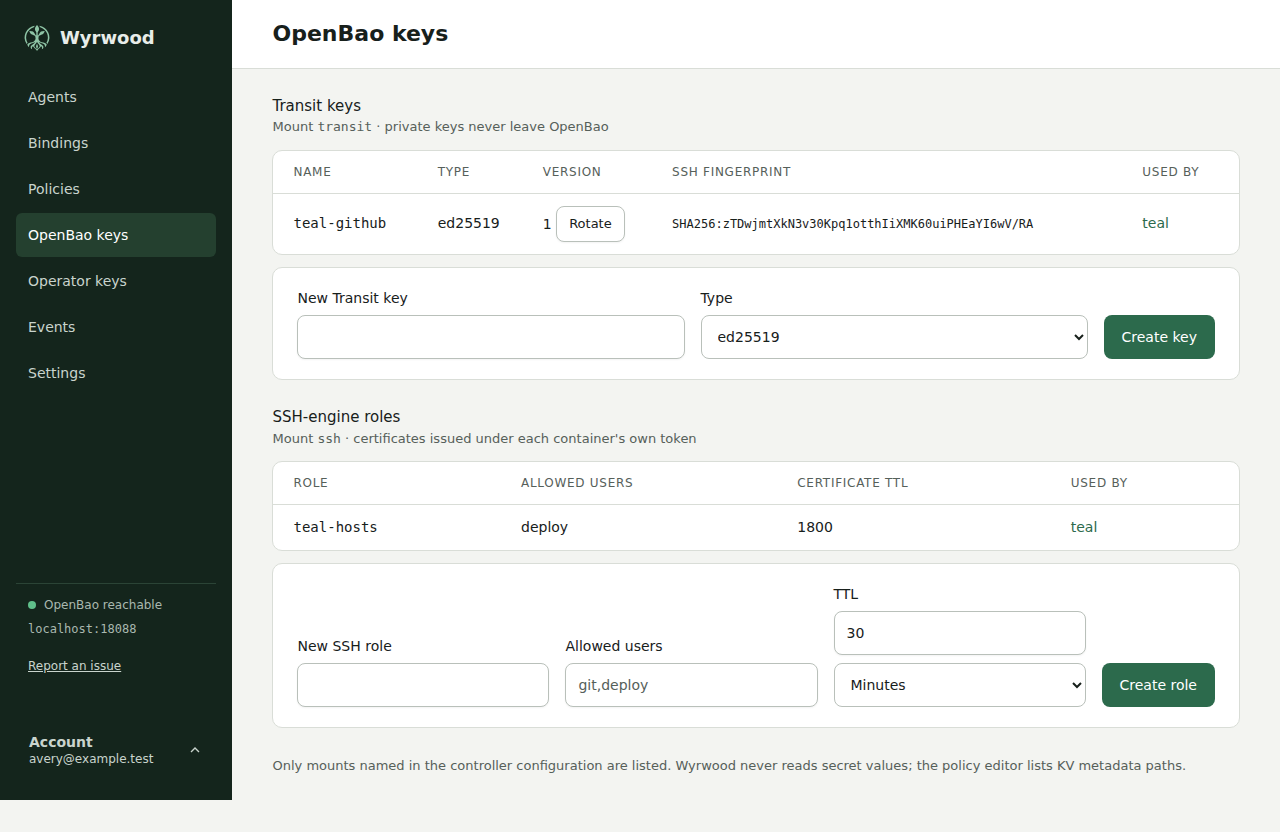
22 OpenBao keys page with Transit keys and SSH-engine roles. -
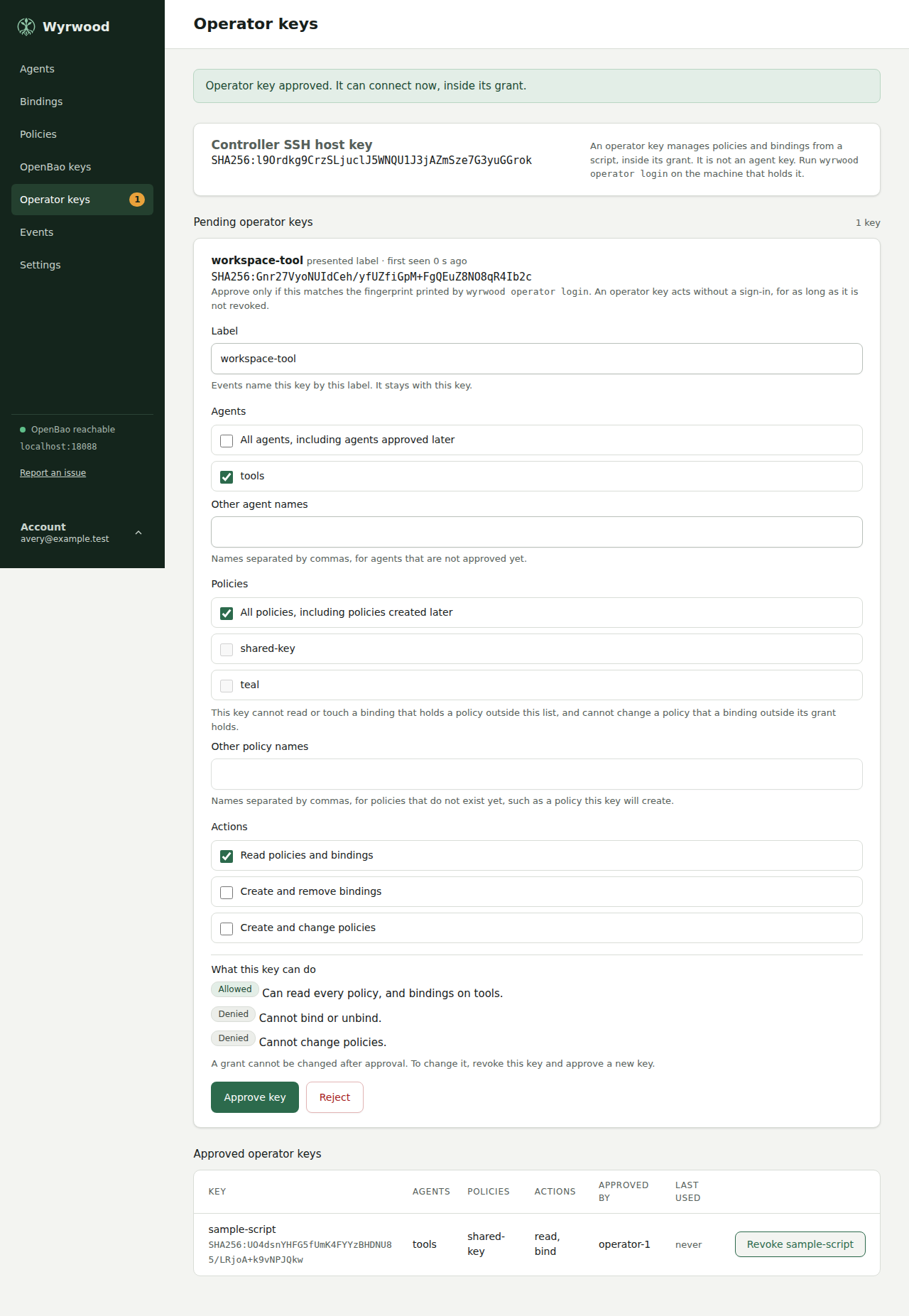
23 Operator keys, one approved with its grant and one pending. -
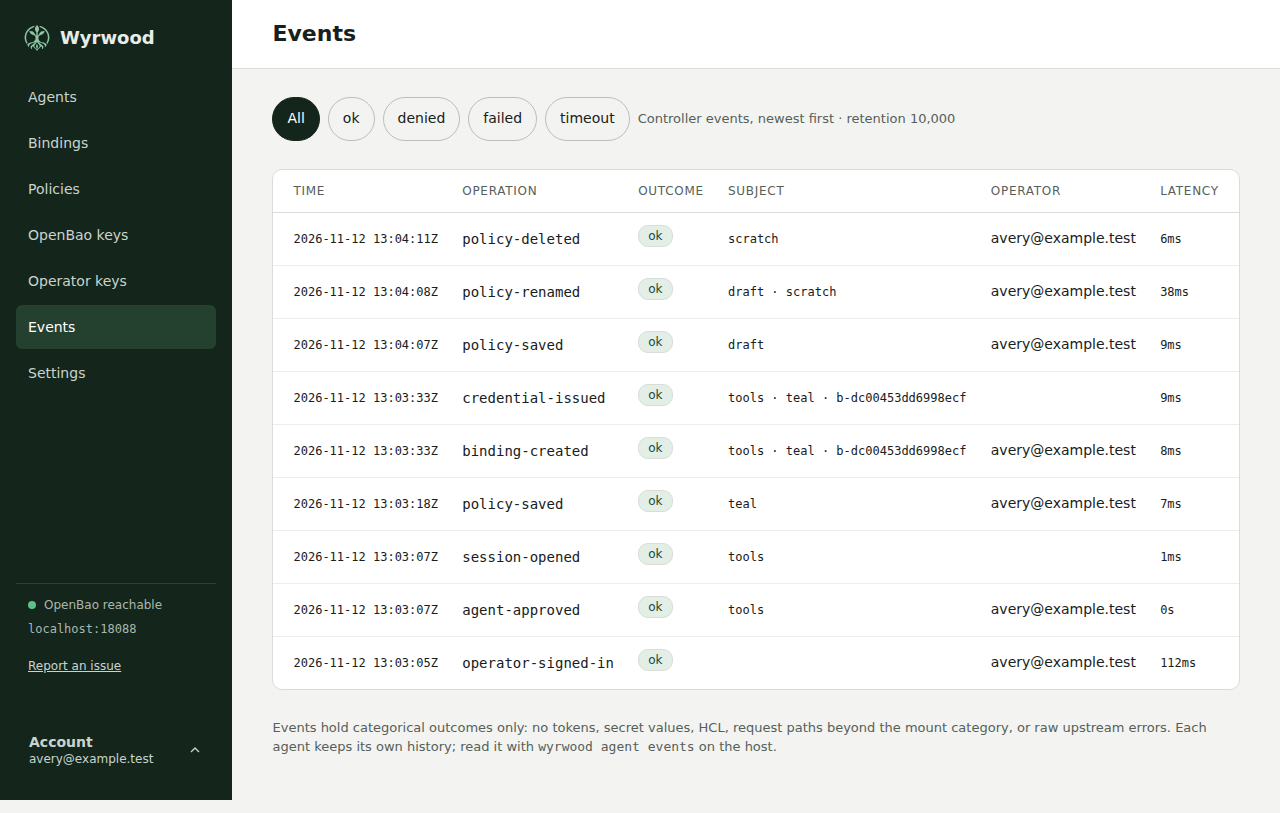
24 Controller events, newest first. -
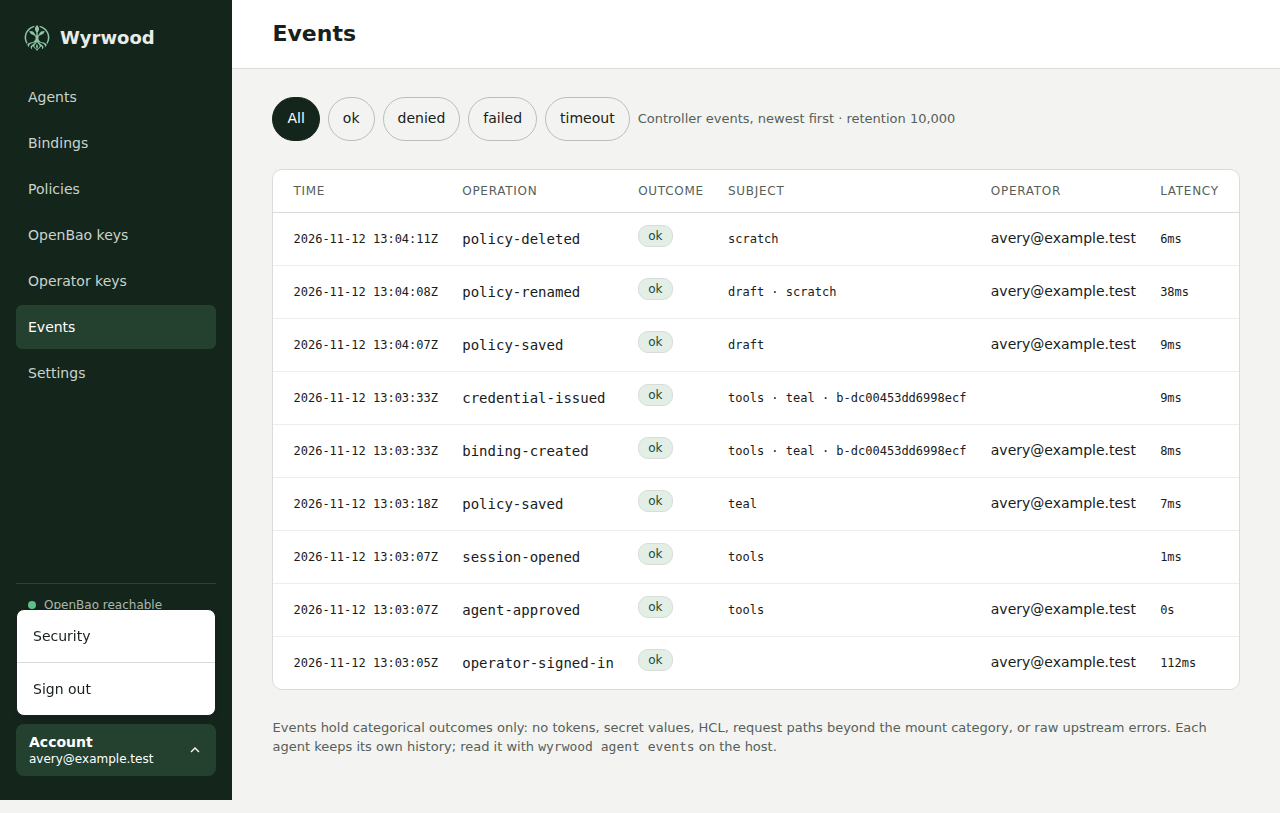
25 Account menu with Security and Sign out. -
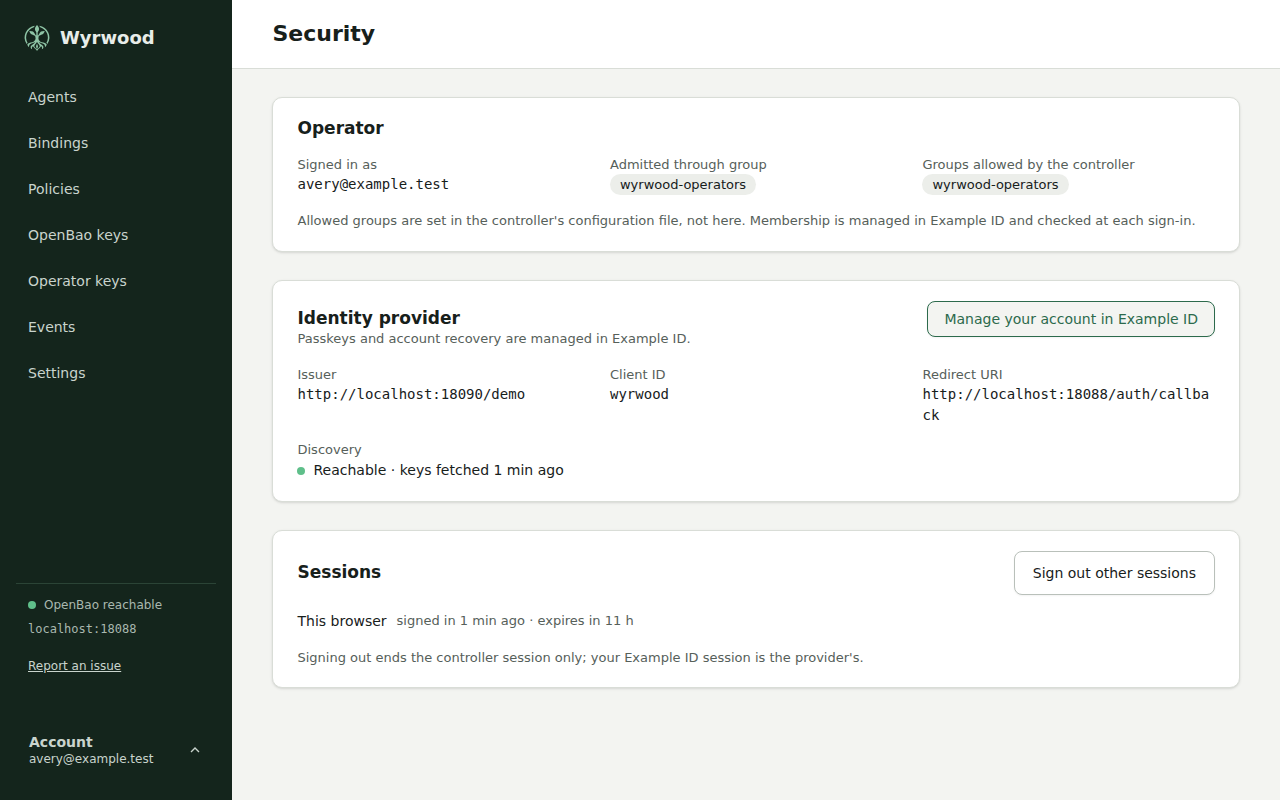
26 Operator security and identity-provider details. -
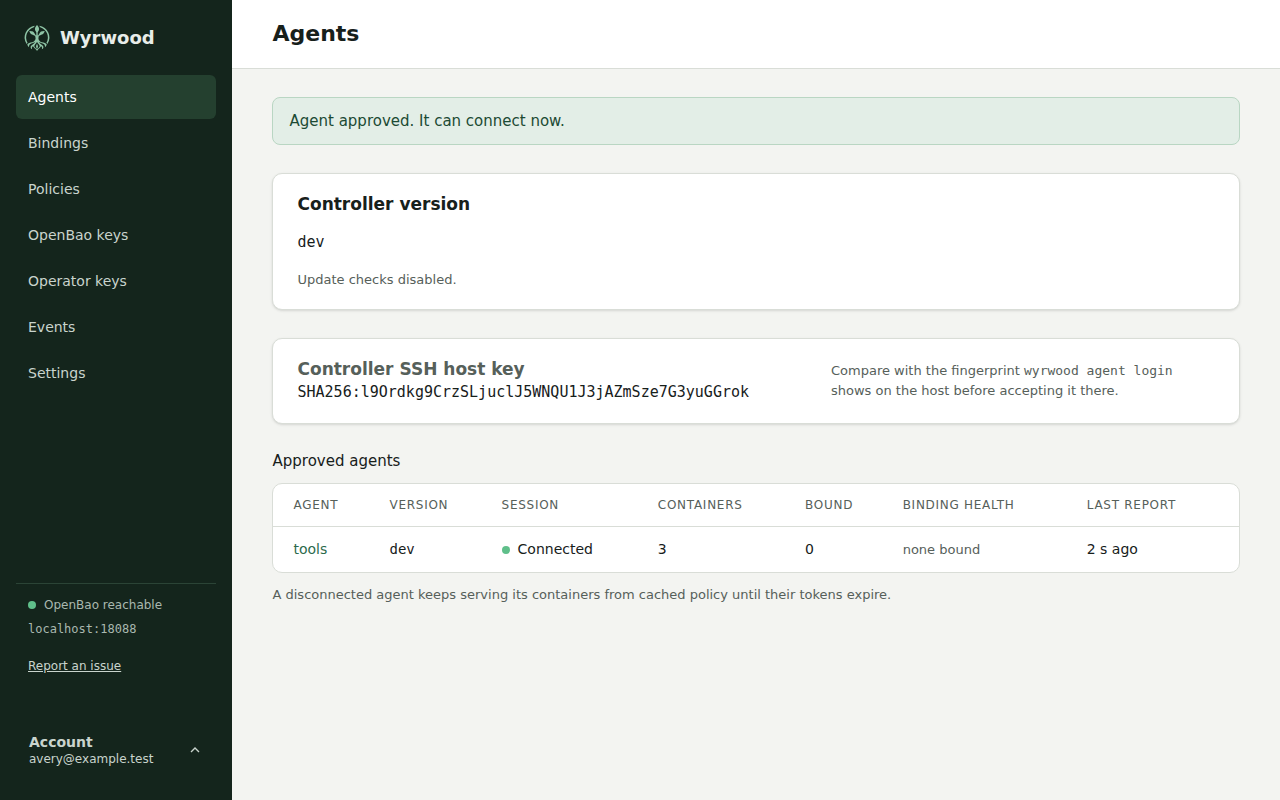
27 Controller and agent versions with update status. -
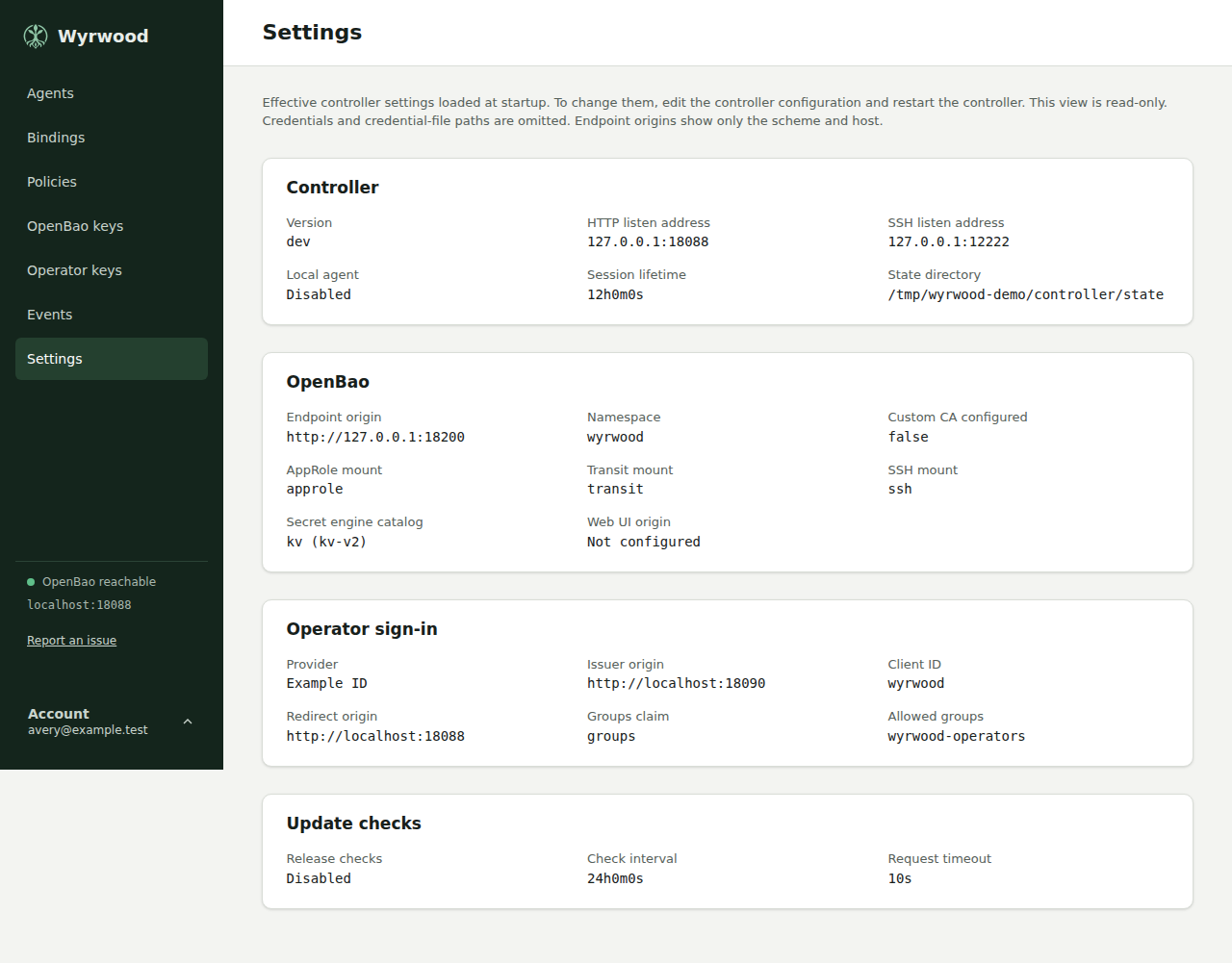
28 Effective controller settings loaded at startup.
What it does
-
A bound container holds no token, no key, and no secret file.
-
Each container gets a socket directory with vault.sock for the OpenBao API and ssh-agent.sock for SSH.
-
SSH identities are OpenBao Transit keys and SSH-engine certificates, and OpenBao produces every signature.
-
A policy pairs an OpenBao policy with a container contract, and changes apply on the next request.
-
Agents and scripts connect over SSH with keys that an operator approves in the web interface, and a script's key acts only inside its grant.
-
Operational events are bounded and categorical, with no tokens, secret values, or raw upstream errors.
Install
Set up the repo.wyrd.foo APT repository (once)
sudo install -d -m 0755 /etc/apt/keyrings
curl -fsSL https://repo.wyrd.foo/pubkey.gpg |
  sudo tee /etc/apt/keyrings/wyrd-company.gpg >/dev/null
echo "deb [signed-by=/etc/apt/keyrings/wyrd-company.gpg] \
https://repo.wyrd.foo/apt stable main" |
  sudo tee /etc/apt/sources.list.d/wyrd-company.list >/dev/null
sudo apt update
sudo apt install wyrwood
Set up the repo.wyrd.foo RPM repository (once)
sudo curl -fsSL https://repo.wyrd.foo/wyrd.repo \
  -o /etc/yum.repos.d/wyrd.repo
sudo dnf install wyrwood
paru -S wyrwood-bin
Documentation
Releases
Breaking
- The controller database moves to schema 5, and the controller sends a binding’s
directoryin the policy set. A 0.6.1 controller refuses a schema 5 database at startup and leaves it unchanged, and a 0.6.1 agent closes the session when it receives a binding with adirectory, so mixed versions do not stay connected. Use the stopped rollout: stop every agent, back up the controller state directory, upgrade the controller, upgrade every agent while it is stopped, then start the agents. Going back needs that backup.
Features
-
A container can now be bound by a key that is not
namebefore it exists. On Add binding, Bind by typed key opens a bind screen where you choose an approved agent, type adevcontainer,compose, ornamekey, and, for a key other thanname, a directory name. The agent creates that consumer directory and its sockets right away, so a container created with that key and a mount of the directory finds working sockets on its first start and reads its secrets throughvault.sock. Every container the binding governs uses the directory, also when its name differs; the token follows the container as for anamebinding. A directory name is required when no agent reports a container with the key. It uses the rule a container name follows, and another binding on the same agent cannot use it. The binding screen shows it.wyrwood bindtakes no directory name and binds as before.The controller moves its database to schema 5 when it starts, keeping every binding as it was. A 0.6.1 controller refuses a schema 5 database and leaves it unchanged, so going back needs the state directory backed up before the upgrade. A policy set now carries the directory name of such a binding, which a 0.6.1 agent rejects: stop all agents, back up the controller state, upgrade the controller, then upgrade the agents.
-
When you approve an operator key, you now choose its agents and policies from lists of the approved agents and the stored policies, or select all agents or all policies. You can still type a name that does not exist yet, such as a policy the key will create. Before you approve, the form states what the key can and cannot do with each action, on which agents and policies, and that the grant cannot be changed after approval. Before, you typed each name, and the form did not show what the grant allowed.
Fixes
- OpenBao keys and the policy editor list Transit keys again after a key is imported into the Transit mount. OpenBao then lists an
import/directory beside the keys, and the controller tried to read it as a key, so both pages showed no Transit key and said OpenBao did not answer. A key that cannot be read no longer empties the list: the page names that key and the failure, such as permission refused, and lists the others. “OpenBao did not answer” now shows only when OpenBao did not answer; a refused list says permission refused. - Sign-in now works with an identity provider whose key set also holds an elliptic-curve key on a curve Wyrwood cannot use, or an RSA key larger than it accepts. Wyrwood ignores such a key and verifies with the other keys. Before, the whole key set failed to load, and sign-in failed.
- Below 792 pixels wide, the web interface shows the navigation as a bar with a Menu button, so the page heading, its actions, and the policy editor’s tabs start in the first screen on a phone. The tabs of the policy editor and the binding editor stay in one row that you scroll sideways; an edge with more tabs beyond it fades, and a tab you focus or select scrolls into view. Menu shows every destination with its pending count, the OpenBao status, Report an issue, and Account. Escape closes it.
- When you rename a policy to its current name, the policy page now says that the name did not change. Before, the page opened with no message. The rename still changes nothing.