

























Overview
Xolotl is a self-hosted proxy for LLM subscriptions, AI gateway providers and MCP servers. Your coding agents get one URL and one client key. The real credentials stay in OpenBao, not in the agents’ containers.
What it does
- Subscription proxy. Log in Codex (ChatGPT), Claude and Grok Build subscription accounts, and add OpenCode Go API keys. Xolotl keeps the OAuth tokens fresh, spreads requests over several accounts, and moves to the next account when one reaches its quota.
- AI gateway. Send requests to the Anthropic and OpenAI APIs, Vercel AI Gateway, Mistral and OpenAI-compatible servers such as llama.cpp with keys that xolotl injects, or with workload identity federation.
- One model namespace. Clients send a model name. A policy decides which provider serves it. Xolotl translates between the Anthropic Messages, OpenAI Responses and Chat Completions formats, so Claude Code can use a Codex model and Codex CLI can use an Anthropic model on Vercel.
- MCP gateway. One MCP server at
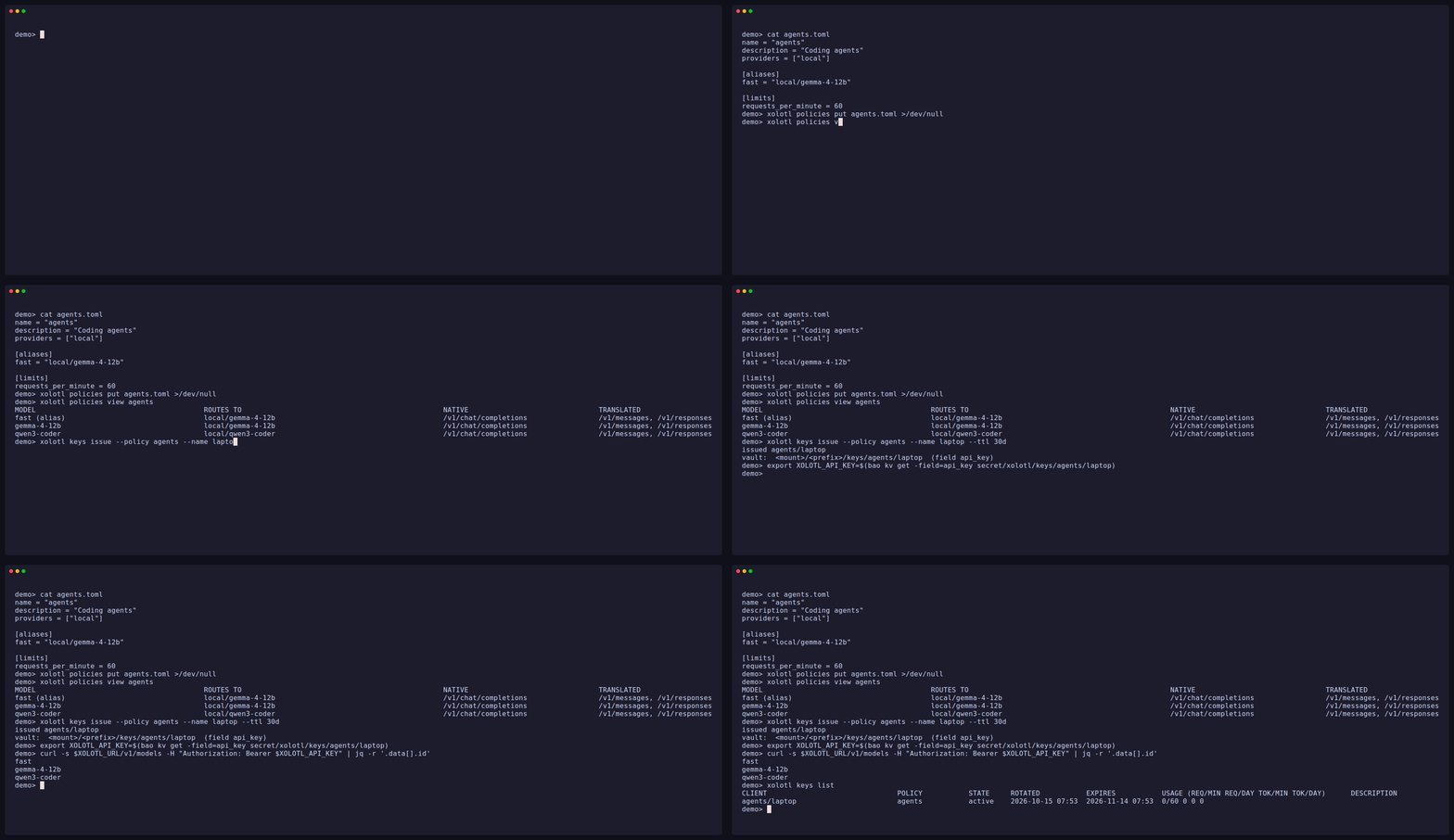
/mcpgives agents code-mode access (searchandexecute) to the upstream MCP servers their policy allows. Upstream credentials and OAuth logins stay in OpenBao. - Client keys and policies. Each client gets its own key. Its policy sets the providers, models, model names and MCP tools it can use, and its request and token limits. Keys are issued into OpenBao and never printed.
- Usage and telemetry. A request log, per-account usage windows, and OpenTelemetry traces, logs and metrics.
- Web UI and CLI. Administer everything from a browser (OpenID Connect
sign-in) or from the
xolotlCLI.
How it fits together
Claude Code, Codex CLI, Grok CLI, SDKs, MCP clients, T3 Code
        │  client key
        ▼
     xolotl ── policy ──┬── subscription accounts: codex, claude, grok, opencode-go
        │               ├── provider accounts: anthropic, openai, vercel, mistral, openai-compatible
        │               └── /mcp ── upstream MCP servers
        ├── OpenBao: every secret
        ├── SQLite: runtime state, no secrets
        └── OpenTelemetry: traces, logs, metrics
Get started
- Install xolotl and prepare OpenBao.
- Configure the server.
- Set up sign-in to the web UI. You do the next steps on its screens. Each page also gives the CLI commands.
- Add accounts: subscriptions, or API-key providers.
- Write a policy and issue a client key.
- Connect your clients.
Xolotl runs as a single instance. Read Known limitations before you depend on it.